
 Lessons: 14Length: 1.3 hours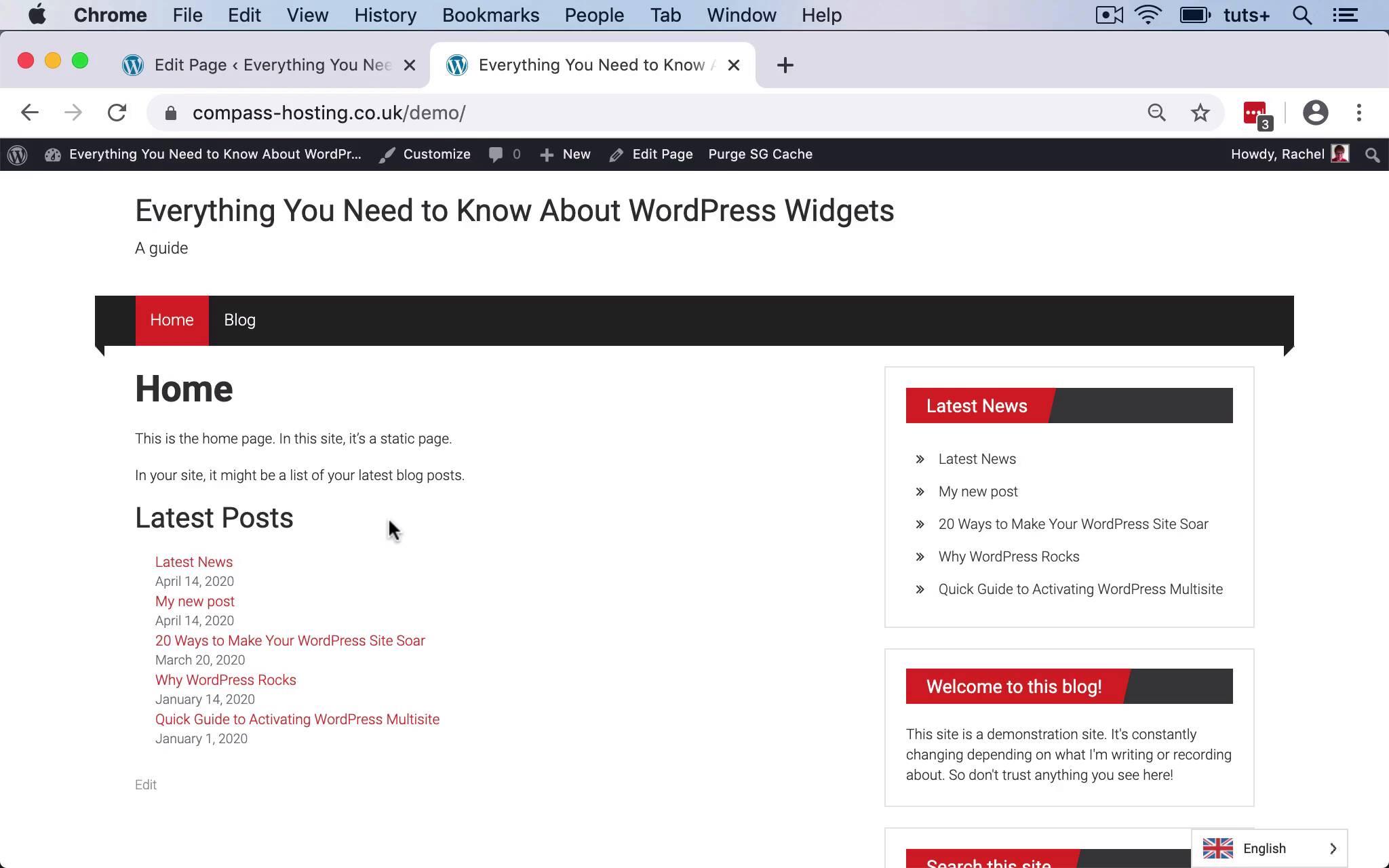
- Overview
- Transcript
6.1 Conclusion
Congratulations on completing the course! To wrap things up, we'll recap what's been covered in the course and what you've learned.
1.Introduction
1.1Introduction00:53
2.Understanding WordPress Widgets
2.1What Is a Widget?06:54
2.2Examples of Widgets13:05
3.Adding Widgets to Your WordPress Site
3.1Adding Widgets via the Widgets Screen03:38
3.2Adding Widgets via the Customizer05:59
3.3Adding Extra Widgets via Plugins07:43
3.4Adding Widgets to Posts and Pages05:11
4.Widget Areas
4.1Understanding Widget Areas05:50
4.2Add a Widget Area to Your Theme: Registering the Widget Area07:03
4.3Add a Widget Area to Your Theme: The Theme Template Files07:13
5.Coding Your Own Widget
5.1The Widgets API03:36
5.2Coding a Call-to-Action (CTA) Widget06:52
5.3Coding a Query Widget03:54
6.Conclusion
6.1Conclusion02:34
6.1 Conclusion
Hello, and welcome back to this tuts plus course on WordPress widgets. In this final part of the course, I'm going to conclude by summarizing everything that you've learned, and running through what's been covered in the course. So as we work through this course, we use this demo site here. And I installed a theme that had lots of widget areas, so that I could demonstrate to you how to add widgets to multiple widget areas, and also how to add extra widget areas to a theme. But I started by showing you some examples of sites that use widget areas, and I showed you the underlying code so you could identify exactly where those widget areas are. I then showed you how to use the widget screen to add widgets to your site, and also to manage your widgets. So I showed you how to use accessibility mode, how to store widgets that you're not using down here in the inactive widget section, and also how to move them between widget areas. And I showed you how to use the customizer, and activate the widget section of that to manage your widgets, and move them around that way. We then moved on to how you can use widget blocks in the Gutenberg interface to add widgets to the content of your posts and pages, and to looking at creating your own widget area. So we use the Register a Widget function to register a widget area in our theme, and we created a child theme of this third party theme to do that. So we created two new widget areas before content widget area, and after content widget area. And we then added those to the theme by hooking them to an action hook, that was contained in the theme using the dynamic sidebar function. Once we've done that, I showed you the code that you would use to create your own widget in a plugin. And we ran through two examples of widget plugins from two existing tuts plus courses. So the first was a plugin to output a call to action widget. So that allowed the user to input text, and a link, and those would be shown on the site. And then the second, was one which registered a post type of moons, and query that post type, and output the most recent five posts of that post type in a widget. So during this course, you've learned how to manage widgets in your site, how to install new widgets, how to create your own widget areas. And finally how to create a widget plugin. I hope you found this course useful. Thanks for watching.


