
 Lessons: 16Length: 1.1 hours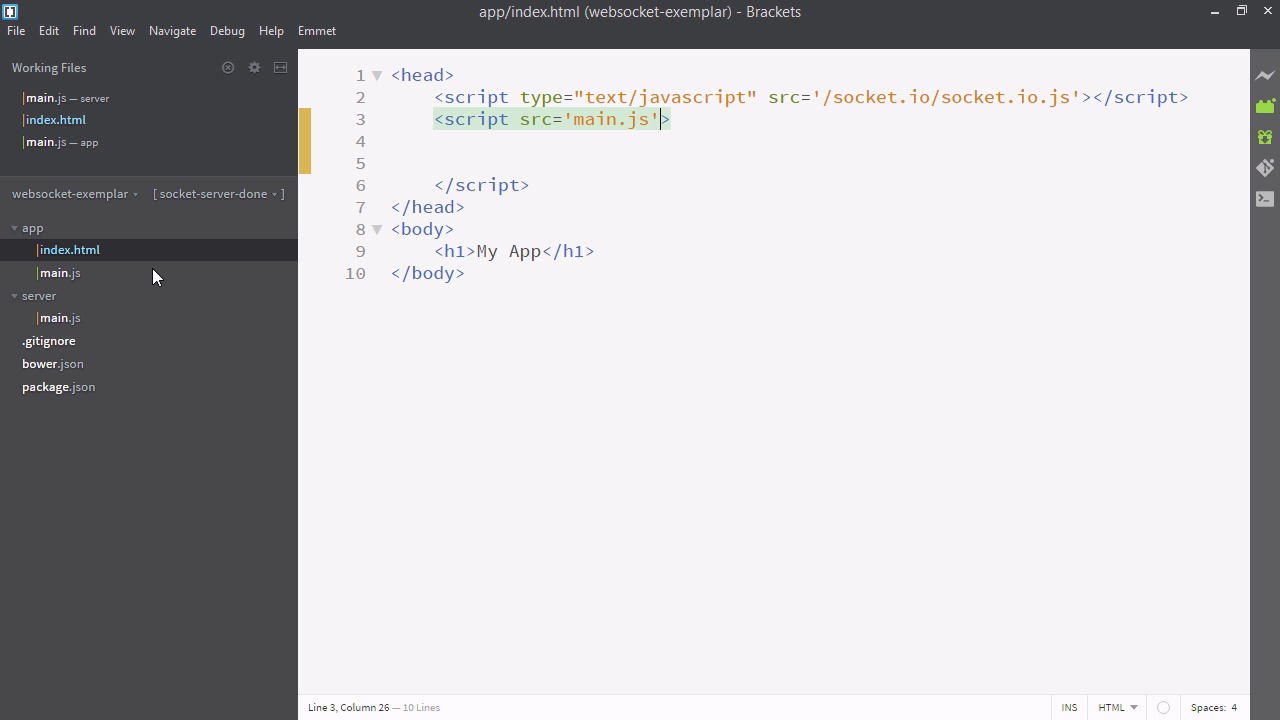
- Overview
- Transcript
3.1 Receiving Socket.IO Events
In this lesson, we’ll listen for Socket.IO events and log them when they’re received.
Related Links
1.Introducing WebSockets and Socket.IO
1.1Introduction01:23
1.2What Are WebSockets?04:43
2.Scaffolding a Socket.IO Application
2.1Installing Node.js and App Dependencies02:59
2.2Creating an Express Server04:35
2.3Adding WebSockets to the Back-End03:00
2.4Connecting the Front-End Application to Socket.IO04:47
3.Building the Front-End Application
3.1Receiving Socket.IO Events03:20
3.2Displaying Messages06:22
3.3Creating Messages and Updating Collections07:50
3.4Displaying Likes02:31
3.5Providing Users With Unique Ids03:41
3.6Updating Like Counts05:03
3.7Propagating Like Counts to Connected Users04:12
4.Completing the Application
4.1Adding Moment.js04:13
4.2Adding Styles03:09
5.Conclusion
5.1Conclusion05:52
3.1 Receiving Socket.IO Events
All right, welcome back. In the last video, we got our socket.io connected. As you can see, we've connected to sockiet.io via the front end, and it's showing up in our terminal on the right hand of the screen. But while we've connected to socket.io, nothing's really happened yet. We haven't sent any data over. In this video, we'll learn about getting data from the backend using socket.io. So let's go back to our text editor. Now you'll notice here on line 11 we have socket.emit. And it's emitting this message with the type messages. But nothing is going to happen unless we listen for these messages. So let's go to our index.html. And here after we defined the socket, the socket can listen to events. So let's take this and just move it to a new file. We'll call it app/main.js. And now back in index let's just add a link to this. All right, that's good. That'll help keep the files a bit more organized. Now back to our app/main.js. We can invoke the method socket.on. And you'll notice this is very similar to the same code we used on the back end. In fact the libraries are almost identical, and a lot of the methods are completely parallel. You'll find that socket.io is very easy to work with because of the universal dependency on JavaScript. So we'll recall that the message that our server sends out has a type of messages. So we'll write that down. And then the second argument is a function and it takes data. So we'll just console.info the data. All right, so let's have a look at our application. If I refresh it and then open up my developer tools to the console with F12. You can see there's the data that's arrived form the back end. So, these are the messages we prepared earlier. Now, this isn't so exciting, because, you know, we just prepared those message by hand writing them. We could have written them into the front end. But if this data was real time, say coming from a database this would be extremely cool. So we're now able to pass data from the back end to the front end. With this in place we can really start making our app fully featured.


