
 Lessons: 16Length: 1.1 hours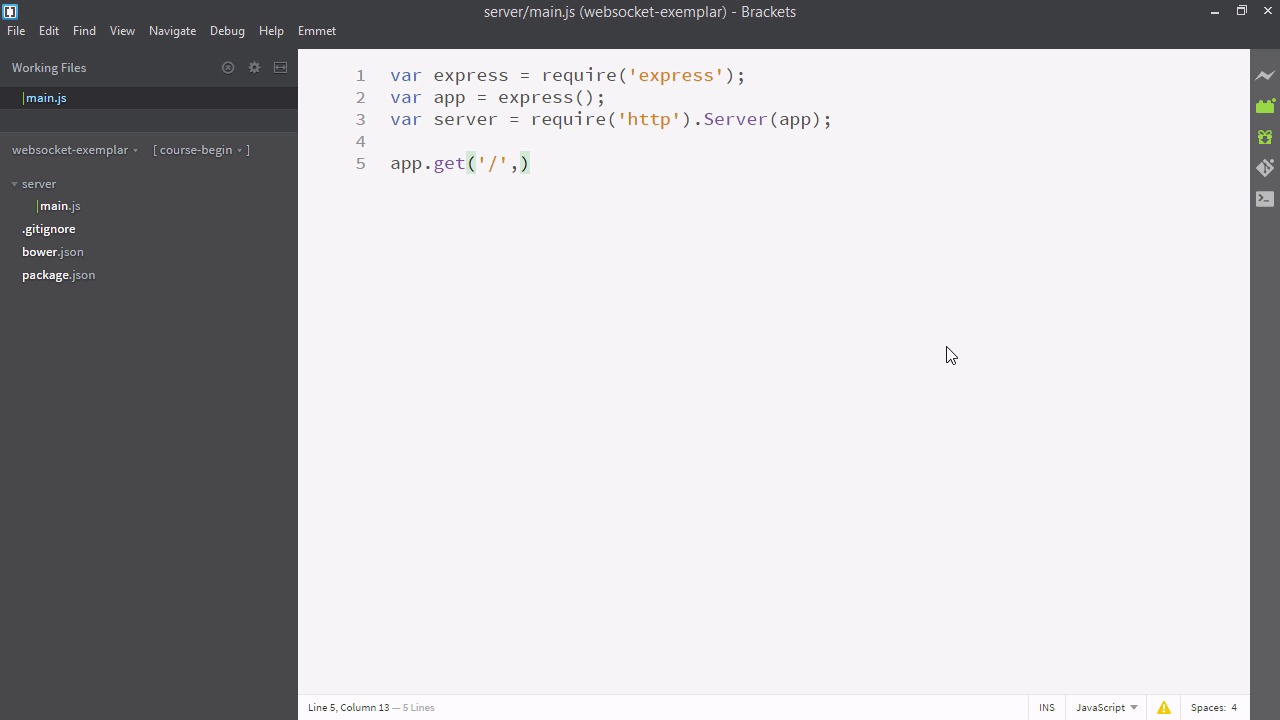
- Overview
- Transcript
2.2 Creating an Express Server
In this lesson, we’ll set up a simple Express server that will be the foundation of our application. We’ll make a few key design decisions that will make it easy for us to implement Socket.IO later.
Related Links
1.Introducing WebSockets and Socket.IO
1.1Introduction01:23
1.2What Are WebSockets?04:43
2.Scaffolding a Socket.IO Application
2.1Installing Node.js and App Dependencies02:59
2.2Creating an Express Server04:35
2.3Adding WebSockets to the Back-End03:00
2.4Connecting the Front-End Application to Socket.IO04:47
3.Building the Front-End Application
3.1Receiving Socket.IO Events03:20
3.2Displaying Messages06:22
3.3Creating Messages and Updating Collections07:50
3.4Displaying Likes02:31
3.5Providing Users With Unique Ids03:41
3.6Updating Like Counts05:03
3.7Propagating Like Counts to Connected Users04:12
4.Completing the Application
4.1Adding Moment.js04:13
4.2Adding Styles03:09
5.Conclusion
5.1Conclusion05:52
2.2 Creating an Express Server
So our scaffold is set up, now we're going to set up our express file. Express is what's going to answer our HTTP request and serve our website eventually. So let's create a new folder here and I'll call that folder server So we're gonna need to express in this file and we just installed it with NPM, so we can require it using the require keyword. Now we're going to find a server variable. And we're going to make that equal to require HTTP. But our server isn't done yet. First, let's make a new variable above this and call it app. And this will be an invocation of express, so we'll pass express with brackets. And this will create a new instance of our express application. Now, what we're gonna do with server is require('http') and then we'll say, .Server, Which is going to wrap whatever we put in it in the server and we're gonna pass it app. So now server represents an instance of our express that's wrapped in HTTP. This will be important later. So now we can test our app. We can say, app.get And we'll just put in a forward slash. And the second argument will be a function with two arguments parsed in. So this method will take two arguments, rec and res. So whenever we go to our application at whatever port we listen at, it will run this code. So let's do something really simple, we'll just say, res.send("Hello world."). And we'll also put a console log here. And say, something connected to express. Finally, we have to describe a port for our app to listen to. So we'll say, server.listen not app.listen, but server.listen. And will pass it a port, it can really be any port, but let's make it 80, one of my preferred ports to use. So let's give our app a test drive. Let's open up our terminal. And here I am in the main directory, so I'm going to have to type node server/main.js. And that's looking good. Now, I'll bring up my browser and let's navigate to local host. Since the port is 80, we don't need a port. 80 is the default no port port. So we can see our express is working. We see hello world and we see something's connected to express. Why do we have two statements? Well, the nature of our Socket.IO is that we're going to be doing a lot of communication between the server and the browser. So now, we know both sides are working.


