
 Lessons: 16Length: 1.1 hours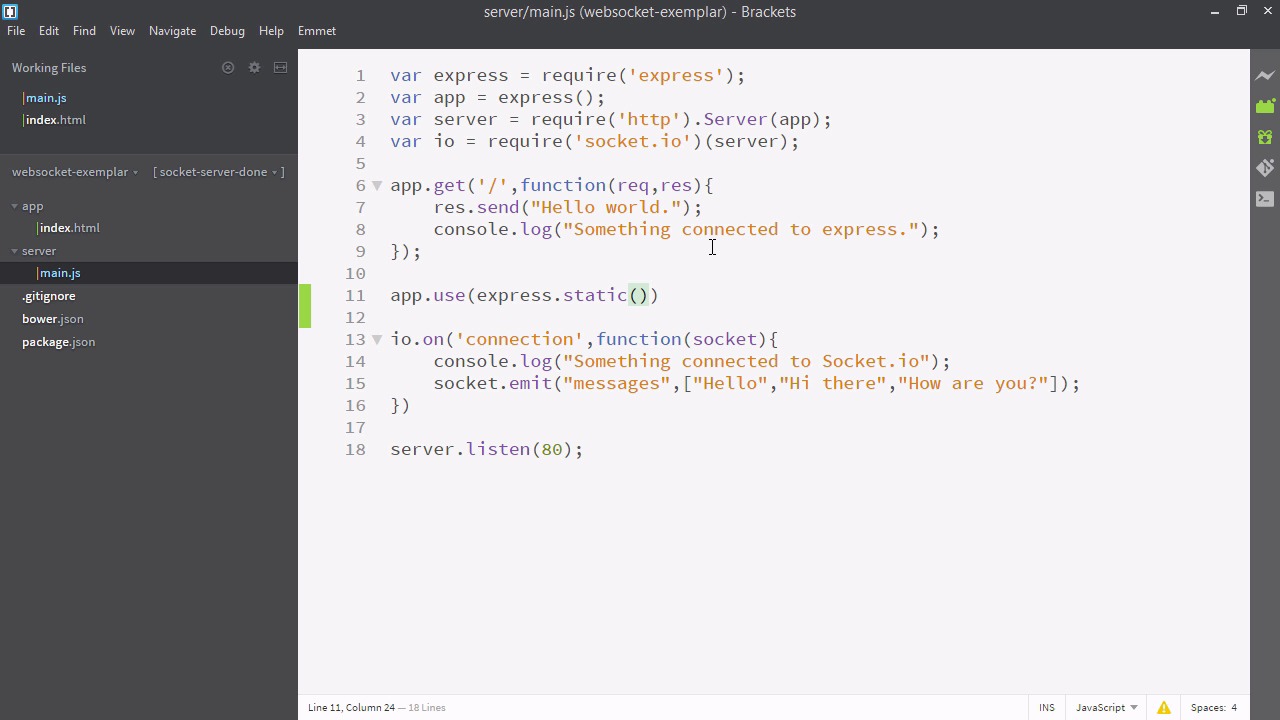
- Overview
- Transcript
2.4 Connecting the Front-End Application to Socket.IO
Using Socket.IO, we’ll connect our front-end application to the back-end server.
Related Links
1.Introducing WebSockets and Socket.IO
1.1Introduction01:23
1.2What Are WebSockets?04:43
2.Scaffolding a Socket.IO Application
2.1Installing Node.js and App Dependencies02:59
2.2Creating an Express Server04:35
2.3Adding WebSockets to the Back-End03:00
2.4Connecting the Front-End Application to Socket.IO04:47
3.Building the Front-End Application
3.1Receiving Socket.IO Events03:20
3.2Displaying Messages06:22
3.3Creating Messages and Updating Collections07:50
3.4Displaying Likes02:31
3.5Providing Users With Unique Ids03:41
3.6Updating Like Counts05:03
3.7Propagating Like Counts to Connected Users04:12
4.Completing the Application
4.1Adding Moment.js04:13
4.2Adding Styles03:09
5.Conclusion
5.1Conclusion05:52
2.4 Connecting the Front-End Application to Socket.IO
Well, I hope you're excited to actually work with socket.io, because that's what we'll be doing in this video. So we're going to need a web page, if we want something to connect to our socket.io. So let's create a new directory called app. And inside app, we'll put index.html. Now in our index let's create a head and a body. Inside the body, we'll just put an h1 and we'll just say, my app. So something personalized shows that. Now here in the head, we're gonna put something a little weird. This can be very difficult to understand at first. So let's have a look. I'm just gonna copy in this special line of code. So we're basically including a script at the location socket.io/socket.io.js. But wait a minute, there's no directory called socket.io. So we gain a bit of insight into how the magic of socket.io works. You'll recall in our main.js file, we wrapped our server in socket.io. That added this extra slash socket.io URL and it created automatically the socet.io.js. This is a custom JavaScript file, which will make our index connect specifically to the socket.io being run out of our express.js right at that instant. And next, we actually need to serve this. So let's go to main.js and we'll say, app.use. And here we'll say, express.static. So express.static will do all the magic to serve up a static directory for us. We just pass in the name and it will look at all those file names and create get statements for them. So we'll just serve up the app directory and we no longer need this code above so let's comment that out. We now have socket.io on both sides. Last thing we need to do is create a connection on the front-end. So let's go to index.html. And right below here, we'll just create a new script tag. And inside the script, we'll say, var socket and we'll make that equal to io.connect. Io.connect takes two arguments. The first one is the URL and we know it should be local host, so we'll just type that in. And the second argument is a configuration object and we want a specific one here. So we'll pass an object and we'll give key of forceNew, small f, big N and we'll put that in true and that will force to create a new connection every time we connect. So it won't use cashing, which is what we want for this app. So that's looking good. Let's have a look at how it works. Let's open up our terminal and run node server/main.js. Now let's open up our browser and we'll navigate to local host. So we see our message something connected to socket.io. And simultaneously, you can see on the left My App, which is the file we served up. So now we have socket.io communicating between our front-end and our back-end. Admittedly, not much is happening, because well, there's not much of a front-end app yet, but the scaffold is there. So in the next series of videos, we're going to include some more soccer.io functionality.


