

- Overview
- Transcript
3.2 Creating the Model
The model is the programmatic representation of our data. In our Laravel application, we'll use an Eloquent model. In this lesson, we'll create a view that contains a form so that users can create messages.
1.Introduction
1.1Introduction02:09
1.2What You Need07:42
2.The Static Site Project
2.1View and Routing Basics10:22
2.2Layouts and Sub-Views07:58
3.The Shoutboard Project
3.1Database Configuration and Migrations14:23
3.2Creating the Model09:38
3.3Creating Messages14:20
3.4Viewing Messages07:41
3.5Adding a Message Title With Migrations07:07
4.A Ticket System
4.1Introduction to Controllers09:02
4.2Setting Up Our Database16:09
4.3Viewing a List of Tickets08:51
4.4Viewing and Editing Individual Tickets13:08
4.5Adding Authentication10:01
4.6Linking Tickets With Users14:58
5.Conclusion
5.1Conclusion01:22
3.2 Creating the Model
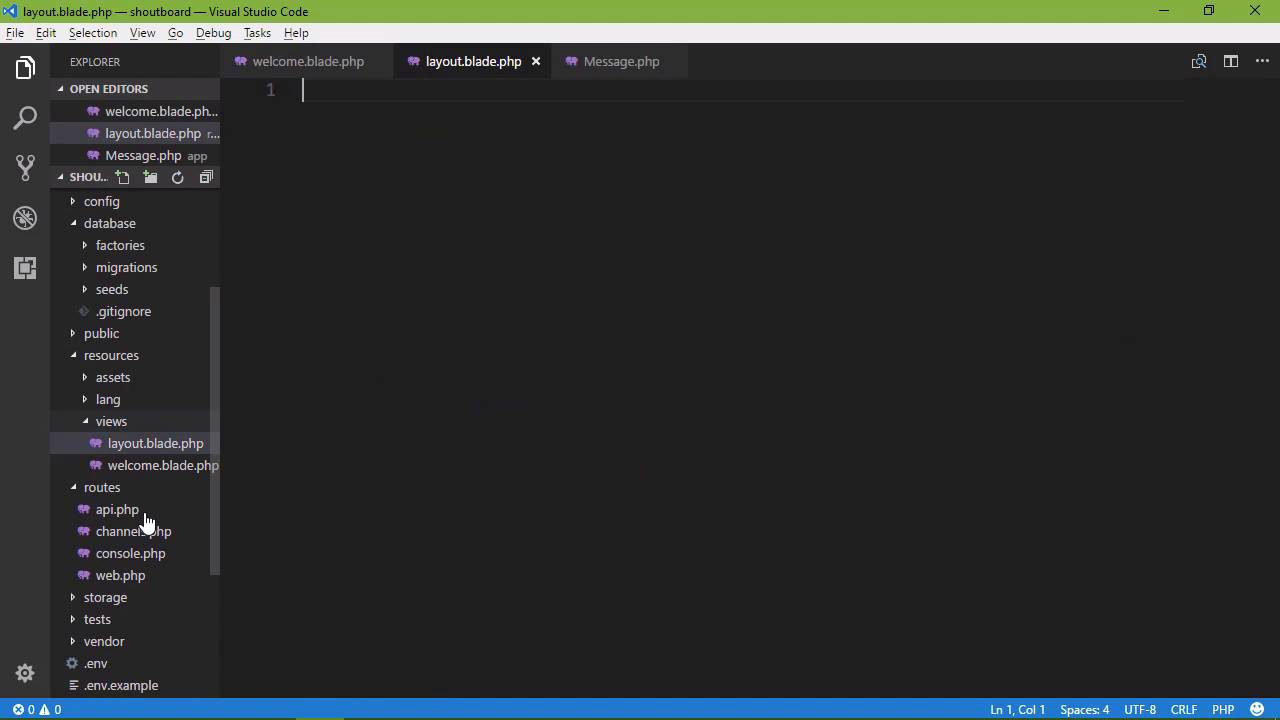
In the previous lesson that we created and set up our database. Now we had to manually create our database but after that we relied upon Artisan, the command line interface for Laravel and Migrations to create our table. Now once again, Migrations are not unique to Laravel, but they allow us to easily create our tables and even update them without having to manually type out and execute SQL statements or use some kind of designer. In fact, all we had to do is just write some methods inside of a class and that was it. It was very easy to do. So in this lesson we want to create our model. Now our model is the programmic representation of the data that we store within our data store. So we have a table called messages. In the case of our application then our model would be an individual message. So that is what we want to create and we will do so using artisan. So we will say php artisan. We will use the make command once again. And it really helps if you type artisan correctly. We say make and then we specify model. But then we want to give our model a name. So as I mentioned, we are storing individual messages within that message table, so our model is going to be called Message. And Laravel is going to be smart enough to recognize that this message model maps to our messages table. Now I want to point out the lack of plurality here. Our messages table is plural. And that makes sense because we are storing the individual messages inside of that table. But as far as our modal and our application is concerned, we are working with an individual message. So there is that relationship there. Our modal is singular. Our data store is plural. And we could get away with naming our model, and our table completely different things but that would make us have to write a little bit of extra code, not all that much because we would just have to say that this model uses a particular table, but we don't have to do that here. So if we go to the App folder, we now have a file called message.php, artisan created this file for us. This is a class that extends model and as I mentioned it's going to be smart enough to recognize that this message class maps to our messages table. Now what we have here is an Eloquent Model. You can see Eloquent inside of the use statement. Eloquent is Laravel's ORM, that stands for object relational mapping. Before we had ORMs, we have to manually type the SQL statement and execute it, and if you don't know SQL, let me just tell you that to do easy things, it's rather straightforward, but any time that you wanted to perform any complex query then, well yeah, good luck with that. I have not met a programmer who likes to use sequel. May we have had to learn it and we have had to use it because that was the way that we worked with databases. But over time, tools and techniques evolve to where just about everybody uses ORM's. It doesn't matter if you're using Laravel or even PHP. Other languages and platforms have some form of ORM as well. It just makes it easier to interact with and work with a relational database. So with Eloquent, you don't have to know SQL. All you have to know are a few methods, and you are good to go. So in order to interact with our database, and that is to create our messages and read those messages from the database to display within the browser, we use Eloquent. So now that we have created our model, we need our mark-up. So let's go into our resources folder. Let's go to the views, and we have just the ordinary welcome View. This is what we saw every time that we have created a Laravel project. So what we want is, for first of all, a layout page, so that we can use that for overviews. And then we also want a view for creating a message. Now we could type all of these onscreen and that would not be a very good use of our time. So instead I am going to paste this in. So let's create a new file, and of course these files are part of the code download, so feel free to use those. So we're going to create a file called layout.blade.php you could call it whatever you want but once again, you need the blade.php and you need to make note of whatever you call it. I'm going to paste this in and it's just using Bootstrap. So there's nothing overly complex. In fact, this is just one of the examples that they have on the bootstrap side. So there is nothing really to go over here except that there is a nav bar. With two links, one for home, one for creating a message and then inside of the body, we have a div element with a class container and then we are yielding our content. So the name of the section is called content, so all of our other viewers are going to need to use that. So let's create another file. This is going to be called create.blade.php. This is going to be the create view and I will paste in that code. So we are extending layout then we have the content section and then we have our form. Now notice that this is a post request. So that is what we do whenever we are creating something. We issue a post request. We have two fields. One for the email and then one for the message. And then finally the submit button. So lets also change the welcome.blade. So that's it is going to use our layout page, but we don't want a form here, let's just have this is placeholder content for the list of messages. We're not going to do that in this lesson but we will probably in the next one. So whenever we refresh the page, we see this page now, we have our home and create message in the menu then Welcome to ShoutBoard and blah, blah, blah, blah. Then let's click on create message. Now nothing happens because we haven't set up that route. So let's go to our code, let's go to web.php and let's just copy what we have here. We are going to use the get method because this is going to be for a guest request, and we are simply going to return the create view. So we can go back and refresh the page. And there we have our form for creating a message. We have the e-mail address field and in the field for a message. Now, let's click on the Submit button. What happens? Well we get another 404. Well actually it says method not allowed because we don't have a route set up for a post request, so let's do that. Let's copy what we have for the get request, for create. And instead of calling get, we're going to call post. So we have the post method for a post requests. We have the get method for get requests. And for right now, we're just going to leave this as is and let's refresh. This is of course going to ask if we want to submit our post data, we do. And we get this Token MismatchException. Now this is built in protection for what's called a cross site request forgery attack. It's CSRF and you can see that's there, inside a VerifyCsfrToken.php. I'm not going to go into detail as to what a cross site request forgery attack is. But basically, we protect every post request that we make with a token and that token is verified by the server to ensure that the request is coming from who we expect it to come from. In other words we are ensuring that the request has not been forged. So we do this by simply adding a token to our form. And we have a wonderful helper function for doing that. We say csrf_field and that's it. That's going to add in and input elements that's going to be a type hidden element and it will have our csrf token. So let's go ahead and look at the source code and if we scroll down we can see that input type hidden name_token and then that value. That's the value that is then going to be verified by the server. So if we click on Submit then we still get that. Let's make a get request. Let's do a hard refresh. Let's submit. Okay, there our token was verified and we know it was verified because we did not get that exception. So we have created our database. We have created our modal. And we've set up our application to at least create messages. Now, we need to actually create that message. We need to get the data from that form, process that data, verify it, add it to our database so that we can then view it within the browser.


