
 Lessons: 14Length: 2.4 hours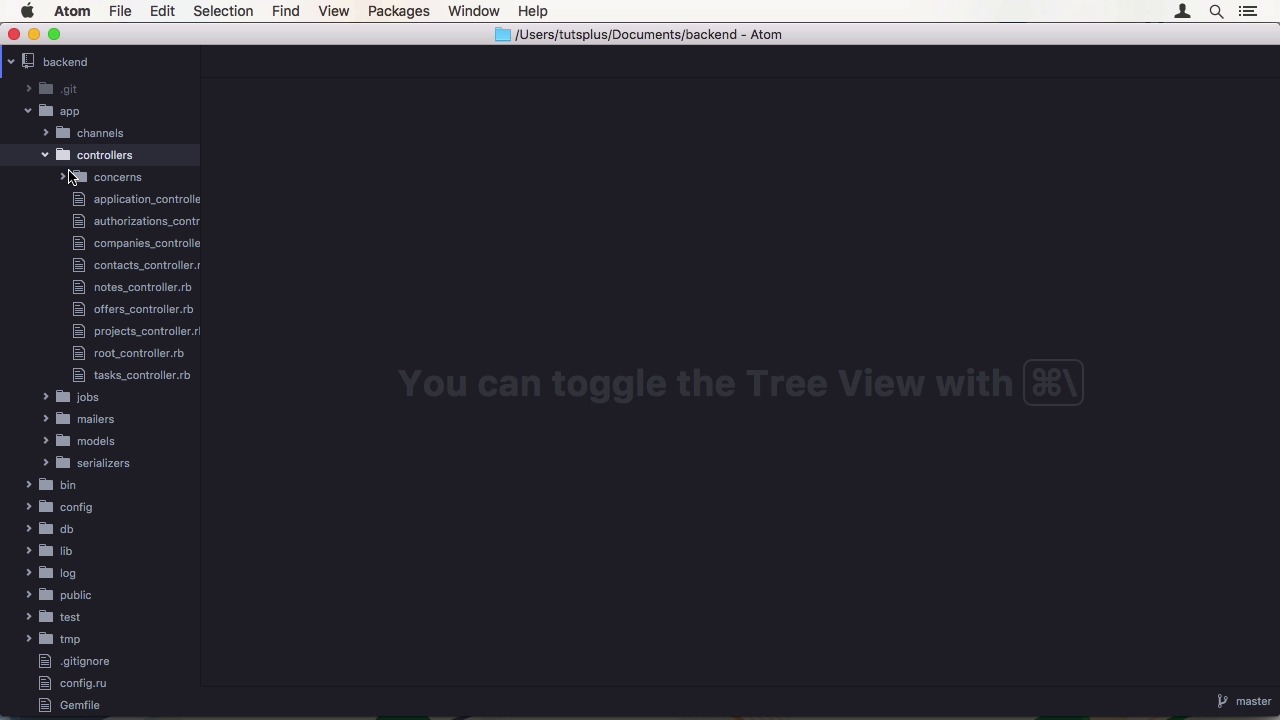
- Overview
- Transcript
1.2 Project Overview
In this lesson, I'll give you a preview of the finished app. We'll also look at the file tree and source code of the finished app so you have an idea of what goes where.
1.Introduction
1.1Introduction01:05
1.2Project Overview03:23
2.Rails Back-End
2.1Generate and Prepare the Application09:19
2.2Create Companies and Contacts10:35
2.3Add Projects, Tasks, and Offers14:47
2.4Track Customer Interaction12:01
2.5Secure API Access07:46
3.Ember Front-End
3.1Generate and Prepare the Ember-CLI Application08:34
3.2Application Layout and Authentication15:36
3.3Manage Companies and Contacts15:54
3.4Manage Projects, Tasks, and Offers19:18
3.5Add Customer Interaction14:11
4.Deployment
4.1Deploy to Heroku and Amazon S308:28
5.Conclusion
5.1Conclusion03:02
1.2 Project Overview
Hi, and welcome back to Create a Full-Stack Rails and Ember App. In this lesson I will show you around the finished app in the browser and in the source code. Let's start with a demonstration. As you can see, we have a variety of resources we want to manage. First and foremost, our Contacts, which are the core of a customer relationship management system. You have a nice detail page here of all the info. The app also has a company as an organizational unit, which is associated to many contacts. Next is Projects, which can be used to have an organized way to manage an interaction chain. You can add tasks to a project as well as contacts and offers. Below, there are notes, which are a way of tracking interactions. Offers are for closing a deal. They also feature tasks and contacts. Adding a task works in line. As you can see, there is a list of all tasks on the right side that updates automatically. It uses the initials of project and offer names to identify their relationship. Bold means project. Italics means offer. Let's look at the source code. First we start at the Rails backend. It is a Rails 5 app that uses the API on the option upon initializing. All our endpoints are in controllers, like contacts. They are based on the generated scaffold with options to work with the Amber frontend, like setting attributes and relationships. For authorization, we communicate with Google to verify the OAuth credentials the frontend sends us. And in the RootController, we get the stored index file from routers and pass it on to the client. As for models, those are the standard Rails models, with associations and validations. And finally, active model serializers, where you control the attributes you sent back to the frontend. When you look at the frontend, you can probably already see similarities to Rails. Having templates which already's used written in handle bars. Then you have routes, the equivalent of phrase controllers, where you can fetch models and set up your controller. As a layer in between, there are those controllers which mostly handle displaying your data in the view and interaction with it. Finally there are also components, which are used to encapsulate view logic functionality. In the source code you will have separate folders for backend and frontend. In the next lesson, we will get started by initializing our Rails 5 app. See you there.


