
 Lessons: 14Length: 2.4 hours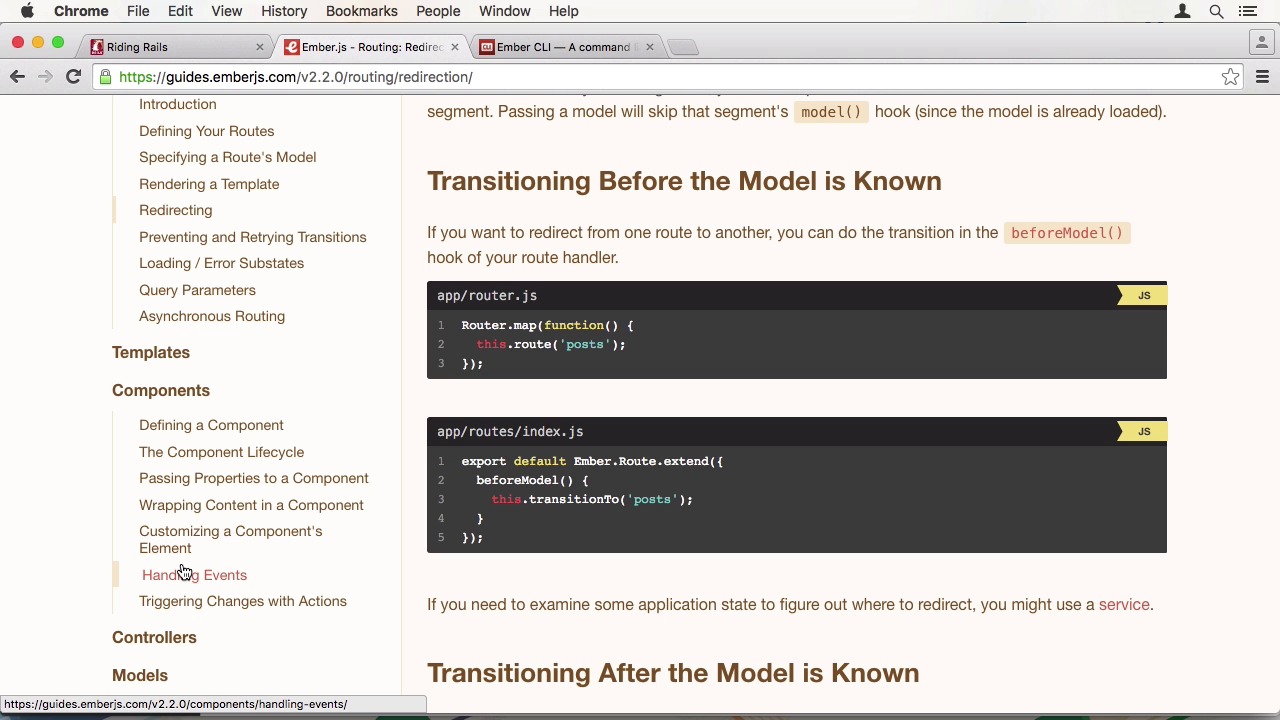

- Overview
- Transcript
5.1 Conclusion
Congratulations for completing this course! I hope you are now confident enough to create your own Rails and Ember projects and to use these cutting-edge technologies in your own practice.
Related Links
1.Introduction
1.1Introduction01:05
1.2Project Overview03:23
2.Rails Back-End
2.1Generate and Prepare the Application09:19
2.2Create Companies and Contacts10:35
2.3Add Projects, Tasks, and Offers14:47
2.4Track Customer Interaction12:01
2.5Secure API Access07:46
3.Ember Front-End
3.1Generate and Prepare the Ember-CLI Application08:34
3.2Application Layout and Authentication15:36
3.3Manage Companies and Contacts15:54
3.4Manage Projects, Tasks, and Offers19:18
3.5Add Customer Interaction14:11
4.Deployment
4.1Deploy to Heroku and Amazon S308:28
5.Conclusion
5.1Conclusion03:02
5.1 Conclusion
Well done. During this course you created a Full-Stack application of two different frameworks for doing customer relationship management. It has been a lot of content. And you also had some homework to do. Working with cutting edge technology is fun. But often it is not easy to find resources if you get stuck. I wanted to point you to a few different site you should visit when doing development with Rails or Ember. The first is the Rails blog. Since a few months now there is a segment called, This Week in Rails where they curate all the changes that happened that week in the Rails repository into a blog post. Here, you can see the one announcing the Rails 5 beta. The second is the Ember website. It is very well maintained and provides a lot of information. For once, you have the current builds of the project, be it Canary or Beta, or much more important, the guide section. Everything about the architecture of Ember is explained here with examples. If you don't know how to make a redirect in a route, look it up here. If you want to learn about a component's life cycle, there is a page as well. It is not only current, but versioned as well. So you always have the correct information for your version. The last page I encourage you to check regularly, is the embassy alive website. Here, you have examples on how to use different technologies, with embassy alive. The USER-GUIDE is quite extensive. For instance, you get information about different deployment scenarios or a step by step update guide for installing a new version of Ember CLI, very handy. You should also read the changelog every so often. It is quite neatly written and provides you with exactly the information you need. As you can see, they also release new versions quite often. In fact, during this recording, a new beta version was released, where they removed the content security policy by default. As always, feel free to contact me on twitter if you have any further questions or want to know more about a specific topic I covered. So thank you for watching this course from all of us here at Tuts+. We hope you enjoyed and learned something from it. See you next time.


