
 Lessons: 12Length: 1.9 hours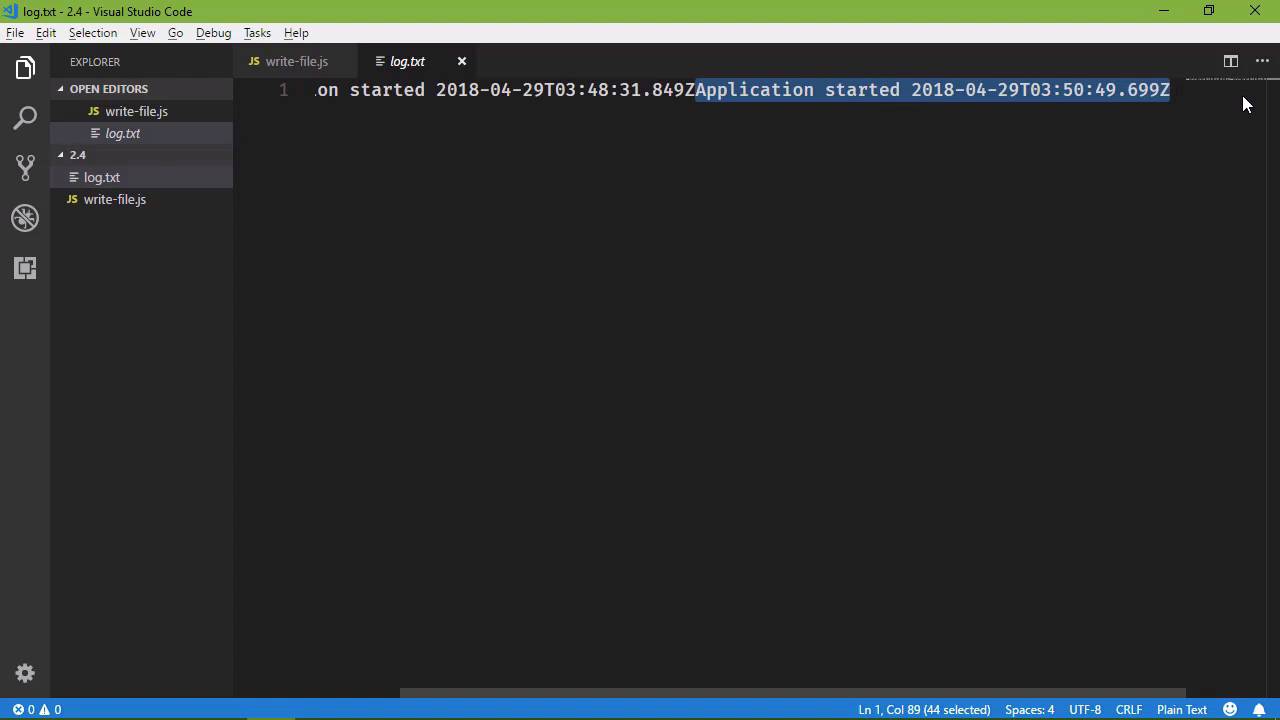
- Overview
- Transcript
2.4 Writing Is Just as Important
If an API lets you read, it'll also let you write. In this lesson, we'll look at the WritableStream.
1.Introduction
1.1Introduction01:50
1.2Getting Set Up07:33
2.Node.js Concepts
2.1The Event Loop and Async Programming10:29
2.2The Asynchronous Pattern12:06
2.3Using Readable Streams11:18
2.4Writing Is Just as Important09:57
2.5Writing Modules (and Other Stuff)14:57
2.6Writing an HTTP Server16:21
3.Tools for Node.js Developers
3.1The `util` Module11:18
3.2NPM11:23
3.3Creating a package.json File06:54
4.Conclusion
4.1Conclusion01:13
2.4 Writing Is Just as Important
The API for writing a file is going to look very similar to reading a file. And that should be a good thing, because there are some API's out there where reading and writing are completely different from one another and that is just a pain. But thankfully, the developers behind Node wrote an API that is very straightforward, and it's very similar to what we saw in the previous lesson. So as I mentioned in the previous lesson, I said that we were going to write to our config file. And the more I thought about that, the more I decided not to, because applications typically don't write to a config file. But they do write to a log file, so that's what we are going to do. Any time our application starts up, we are going to write that to the log. So let's create our application file, I'm just going to call it write-file .js. Let's opt in to strict mode, and then let's pull in the fs module. And from here, we have a couple of different options. The first is to use the write file. So just as we had the read file in the previous lesson, we have write file. The first argument that we pass is the name of the file that we want to write to. I'm just gonna call it log.txt. The second argument is the data that we want to display. So let's say application started, and then we will have a timestamp. So let's pull in a new data object. We're not really pulling in, we are creating that object. And then we will output the ISO string, that will be good. And then we need our callback, this is an asynchronous method, we need a callback. Now, we don't technically need a callback. We could leave this as is, we could run our application. And we would see that it will run but we're going to get a warning that calling an asynchronous function without a callback is deprecated. So we need a callback, especially since this is how we would handle an error. So let's have our callback. And in case if an error occurs, then we want to do something. [LAUGH] We can't write to the log file, because there was an error writing to the log file, but we can at least throw the error, in this case. So once again, let's run this application, that warning goes away, and we don't have any exceptions. Now notice that we did not create that log.txt file, or at least, we didn't create it manually. But whenever we wrote to that file, notice all that the file did not exist, and so it created it before we wrote to it. So that is the default behavior. Now, we can modify that behavior with supplying some options. But the default behavior, and I rather like that behavior, if it doesn't exist it creates it. Now, notice though, that we ran this application multiple times. We ran it the first time where we got the warning, but it still created that file. And then we ran it again. So ideally we would see two entries here, because a log file is there for listing the log of whatever it is that we want to log. So ideally we would have two entries here. So by default, whenever you call the write file method, or really whenever you write to a file, the default is to overwrite the existing file. So the behavior is if the file doesn't exist, it creates it, if it does exist, it overwrites it. So in this case, we want to append to that file. So we need to pass in an object that contains the options that we want. And in this case we want to append to the file. So after the data that we write to the file, we want to pass in an option that has a property called flag. And the flag that we are going to specify is just a lowercase A. This means that we want this file open so that we can append to it. So let's put this on multiple lines, so that it's a little bit easier to read hopefully, and let's also format this. That's a little bit better. So we have our code for writing to our log file, and it is going to append in this case. So let's run it again, let's look at the log file. But notice that yes, it did append to it, but it just added the new data at the end of the line. So nothing that we pass to the write file method is going to be formatted, we have to format it ourselves. So it kind of makes sense then to just add a new line after the data that we write to. So let's go ahead go ahead and clear that file. In fact, let's go ahead and delete it, so that it will create a new one. Even if we specify that we want to append to that file, it is going to create it, if it doesn't exist. So let's run it a few times, and let's go back and look at that file. We can see that it is created, and then we can see that we have multiple entries here. The first way that we can write to a file is with the write file method on the file system object. The second way is to create a write stream. Just like in the previous lesson we created a read stream, we are going to create a write stream. So I'm just going to call this variable stream. Because really what we want to do is create this stream and store it in a variable, so that we can use it multiple times. Because this is going to give us a method called write. And any time that we call the write method, it is going to write to our file. So the idea here is the same thing. We pass in the name of the file that we want to write to. And then, instead of passing the data, because all we are doing right now is creating a write stream, we pass in whatever flags that we want. So in this case, we want to, once again, create a file, so that we can append to it. So our flag is going to be a. And that's all that we need to do for creating a write stream. Then we can use our stream variable and we can write the data. And in this case, we will do the same thing. So let's just write to our file that the application started, and then we will specify our current time. Now, one thing we should do now that we've created a write stream, we should close that stream whenever we are done with it. So we can say stream.close, and that will close that stream, so that we are releasing that resource. That's always a good thing to do. So let's go to the command line, let's run our application again, we're not getting any errors, that's wonderful. And we can go back and look at our log file and well, hello. We should have multiple entries here and we don't. And so, there's the problem right there, instead of flag we have flags. So whenever we create the write stream, we specify flags. Whenever we write to the file, we simply say flag. So now we can go back, we can run our application several times, and we will have multiple entries there. So that's a small little detail, but it is an important detail, obviously. Now, because we have a write stream, we have an object that inherits the event emitter class. So it's a good idea that we go ahead and handle the error event, so that in the case that an error does occur, then we can handle that. I don't really know what we would do here except throw error. And I guess we need to wrap that with curly braces. I didn't really know that, I guess, because I haven't ever tried that before. So in the case of an error, we will simply just throw the error. But we can also listen for a close event. So that if we needed to do something whenever we closed this stream, then we would have that information. So all we could do then is just write to the console and say that the log file is closed. So whenever we close our stream, that will cause the close event to occur. And so we will see that message there. So once again, let's clear this screen, let's run our application. The log file closed, and we have another entry here on line 5. So writing a file, pretty straightforward. The two main things to remember is that if you're using the write file method, then you should supply a callback function. And if you do specify any options, you use flag instead of flags that you would use for the create write stream. And if you do create a write stream, handle the error event, that's just a good practice to get into. And then close the stream whenever you're finished writing to the file.





