
 Lessons: 12Length: 1.4 hours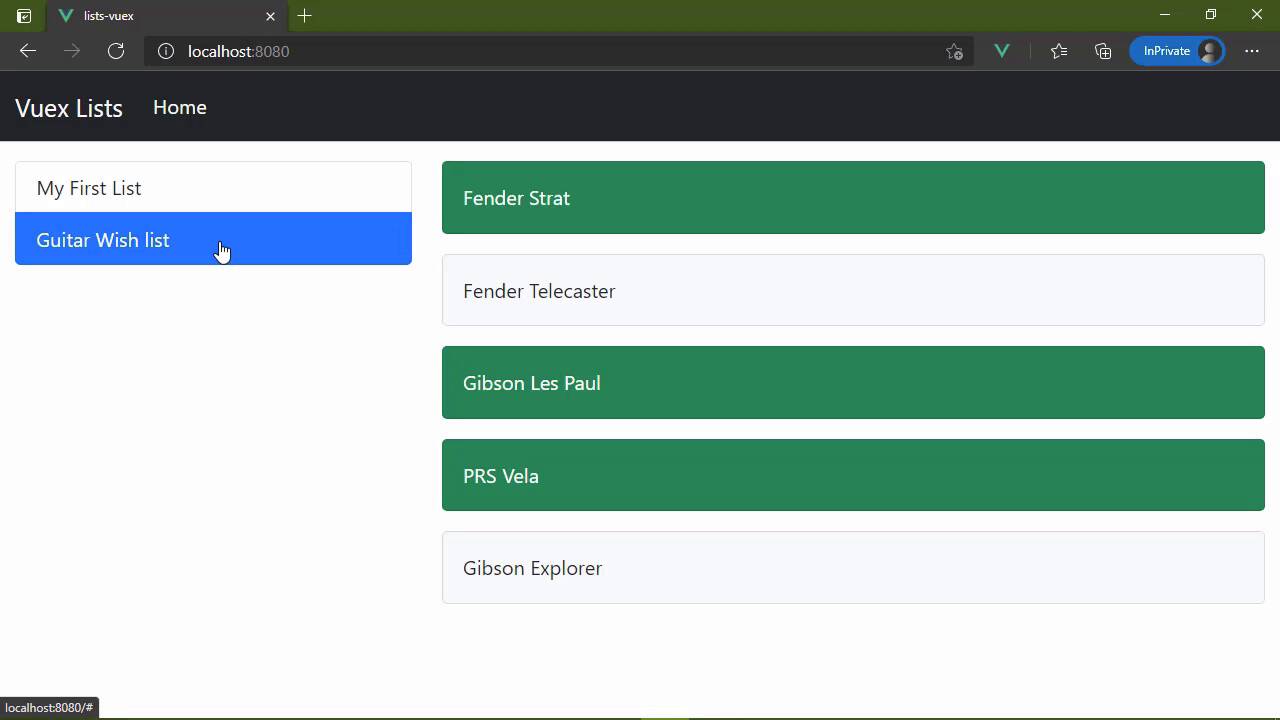
- Overview
- Transcript
2.6 Dispatching Actions to Perform Asynchronous Work
Most of our applications rely upon asynchronous processes—especially when working with data. In this lesson, you'll learn how to use actions in Vuex to do async work and commit changes.
1.Introduction
1.1Introduction01:25
2.Using Vuex
2.1Setting Up the Project05:54
2.2Displaying a List07:03
2.3Adding State04:57
2.4Committing and Tracking Changes09:03
2.5Using Getters to Compute Values08:44
2.6Dispatching Actions to Perform Asynchronous Work06:53
2.7Using Mapping Functions08:14
3.Advanced Vuex
3.1Using Vuex With the Composition API08:17
3.2Getter Methods09:04
3.3Don't Track Everything and Make Your Actions Chainable13:21
4.Conclusion
4.1Conclusion00:57
2.6 Dispatching Actions to Perform Asynchronous Work
In this lesson, we are finally going to issue our HTTP requests so that we can retrieve our lists and load them into our UI. Now, of course, we don't have any other functionality than that and we will add that later on, but at least we will be, Working with the actual data that we want to work with. So the question becomes where do we do this, we need to issue an HTTP request so that we can get our lists, then we need to commit a mutation so that we can load in those lists. In fact, let's start with that. Let's go ahead and let's write a mutation. That is going to allow us to load our lists. So we'll just call it load lists. And we of course want to work with our state. And then we will have the payload which will just be our lists so that we will have state lists = payload. There we go, we have that mutation. So where do we want to begin? Well, one option would be inside of main j s because this is where our application is going to be initialized. So to me, it makes a whole lot of sense to go ahead and fetch our data, so that we could then commit the load list mutation. And we can do that right here because we have our view x data store, we have that object that is essentially the same thing. As the dollar store that we have inside of our components, it's just that we have it right here. So it's very feasible to go ahead and commit the load lists mutation, that would be perfectly fine. Another option would be inside of the home view. We have that created hook, we could essentially do the same thing. Make our requests and then commit to that load list mutation. Another option would be inside of the file for our data store itself, it would require a little bit of change. Like for example, we would have to create this store, here so that then we could fetch, and then we would use the store to commit the change and then of course, we would need to export the store, but that's an option as well. I mean, there's a lot of different ways that we can do this and it's really up to you what makes the most sense to you. To me, it makes sense to do this inside of our main js file because that is where our application is initialized. So, guess what, that's what we're gonna do. We are going to fetch the Localhost port 3000. The endpoint is lists. Now, of course, this is going to give us a response that is a json structure. So we want to parse that structure into an object that we can then use. We'll call it lists. And then we will simply just commit the load lists. Mutation, and then our payload will be the lists itself. So let's go to our data store here. Let's delete the hard coded list and really doesn't matter if we go and look at it now we can see that it's pulling in the data that we have received from the server. But we don't need the hard coded list anymore because we now can retrieve our information. And then we go, we have loaded our application. Now we can do this in a slightly different way because a view x data store also has something called actions. So this is where things start to become a little confusing because we have actions and then we have mutations but really it's very simple. A mutation directly mutates our state. And there's also another rule that you need to be aware of. Do not do asynchronous things inside of a mutation because that is going to screw up your log and the log is there specifically for the purpose of making debugging easier. So if you screw up your log, you're gonna have a harder time debugging your application and seeing where things are going wrong. And things can go wrong when you are doing asynchronous things inside of imitation. So the mutations are strictly synchronous stuff and directly mutating state. Actions are there so that we can do asynchronous things. And then we can commit a mutation. We don't have to do asynchronous things if we don't want to, but an action is there for the purpose of one, doing a synchronizing if we want to and then committing a mutation. So what we can do then is defining action called init, we are going to initialize our application and an action except what's called a context. This is a lot like the data store object that we are creating, because this has a method called commit so that we can commit a mutation. Now, one thing that you will typically see is this context will just be destructured, because a lot of times all we want is access to the commit function so that we can commit things. So this can then look like this. Let's take this fetch here, and we're going to perform our fetch inside of this action, and we are simply going to commit the load list mutation. So then all we have to do is dispatch this action. So we no longer need this code here, instead we are going to say, dispatch in it. So we dispatch actions. We commit mutations and let's go to the browser. Let's do a hard refresh so that we know we are loading everything fresh. And we still get the same result. We have our list that was retrieved from our service. And once again, we can see everything is working as it did before. So let me repeat this. We have actions, actions are there so that we can do asynchronous things. We don't have to do asynchronous things if we don't want to. And we also use actions to commit mutations, a mutation is strictly synchronous. And while we can do other things inside of a mutation, we primarily mutate state


