
 Lessons: 12Length: 1.4 hours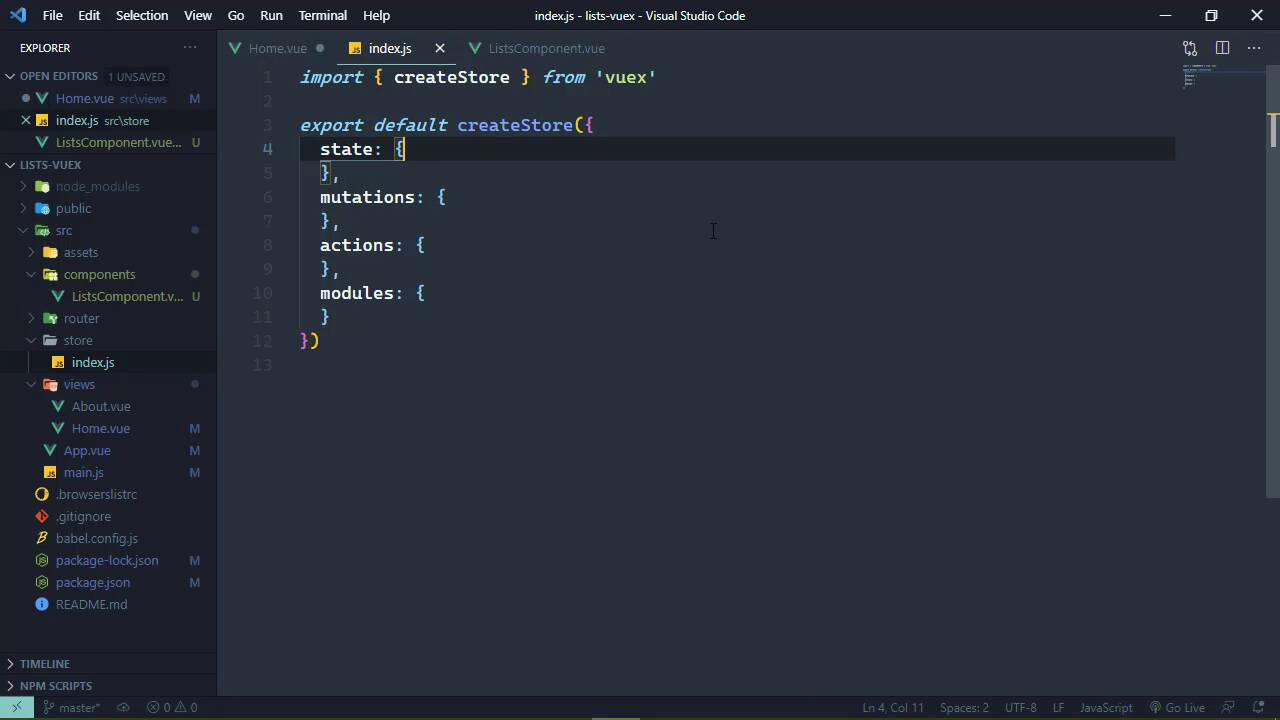

- Overview
- Transcript
2.3 Adding State
We want to store our application's data in our Vuex store. So in this lesson, we'll move the hardcoded data from the previous lesson into our Vuex store and configure our component to use that data.
1.Introduction
1.1Introduction01:25
2.Using Vuex
2.1Setting Up the Project05:54
2.2Displaying a List07:03
2.3Adding State04:57
2.4Committing and Tracking Changes09:03
2.5Using Getters to Compute Values08:44
2.6Dispatching Actions to Perform Asynchronous Work06:53
2.7Using Mapping Functions08:14
3.Advanced Vuex
3.1Using Vuex With the Composition API08:17
3.2Getter Methods09:04
3.3Don't Track Everything and Make Your Actions Chainable13:21
4.Conclusion
4.1Conclusion00:57
2.3 Adding State
In the previous lesson, we started writing our application by implementing the lists component. This is simply going to display the list of lists so that we will be able to click on them to select them, and then they will show the items that we can then work with. Now before we start diving into using our Vuex store, I want to briefly talk about this particular implementation. Because when it comes to just a typical Vue application, I probably would not have written the lists component like this. Instead, this would be more generic, so that the lists that it was going to be working with was actually going to be supplied through the prompts. And then whatever was consuming this component would then be responsible for retrieving that information and then passing that on to it, so that it would look a little bit more like this. And, of course, inside of this homes component, I would then use the created hook in order to make the HTTP request. And then populate the lists data. And then, of course, that would be passed on to components. The idea being that, at this point in time within the application, this home component is driving everything else, driving all of its children, so that it's providing all of the information. And I want to make this point because when you start incorporating state management, the way that we approach applications becomes a little bit different. Because our state is available throughout the entire application. And when you think in terms of our lists over here, these are something that we want to work with across the entire application, not just this home screen. So when you start thinking in terms of that, well, then it becomes apparent that we really need to make our HTTP requests to get our list data way before this home view is ever shown. Because we want to work with that data everywhere. So that's where we want to take our lists. And we want to take it outside of our components, and we want to put that inside of our Vuex store. So whenever we create our store, we are passing in an object that initializes that data store. And we have several properties here. The state is obviously the state that we are going to be working with. So this is where all of our storage is, essentially. So anything that we want to work with across our application needs to be inside of this state property. So this is where our lists would go. Now, of course, we are still hard coding this, and we will get to where we will load this dynamically. But for now, we're going to have our lists inside of our data store so that we no longer rely upon our components to provide that information, it's going to be provided from our store. So that if we wanted to pass this still as a prop, what we would do then is use this magic property called $store. We would want to access the state, and then lists. And we are going to get the same exact result as we got before. We can see our lists over on the left hand side of the screen. But then the question becomes, well, is this lists component really something that needs to be generic? Now, if we are going to use this component in other parts of the application, with the same markup but with different data, then, yes, I would say so, it needs to be generic. But in our case, I don't think it needs to be. So we could take out this lists prop. And then we could just directly work with our Vuex store directly inside of this list component. So that we are iterating over the lists inside of our state, as opposed to what was supplied. Now, if later on in the application we decide that yes, we want to use this in multiple places and we want to use different data, then sure, we can come and make this more generic. But for right now, I think that this is going to work. So with just a simple change, by moving where we are storing our lists array, we can now access this data globally throughout our entire application by using this magic property, $store. Now in the next lesson, what I want us to do is take this a little step further. So that whenever we click on one of these items, we change some state within our application so that we show which list is selected. I think that is important because that will give the user the visual cue as to knowing which list is selected and it also gives us more state to manage.


