

- Overview
- Transcript
1.2 Prerequisites
In order to follow along with this course, you will need a few things—whatever type of computer you are using. You will need a text editor, some sort of command prompt, and support for the Python programming language. In this lesson I’ll show you my setup and give you some suggestions on how to get set up yourself.
Related Links
1.Introduction
1.1Introduction00:53
1.2Prerequisites05:48
1.3Setting Up the Development Environment07:41
2.Building the Rest API
2.1Creating the Invoice Model08:10
2.2Adding a Serializer05:06
2.3Getting All of the Invoices07:52
2.4Getting an Individual Invoice07:58
2.5Creating a New Invoice08:49
2.6Updating an Existing Invoice05:21
2.7Deleting an Invoice02:59
3.Conclusion
3.1Goodbye01:19
1.2 Prerequisites
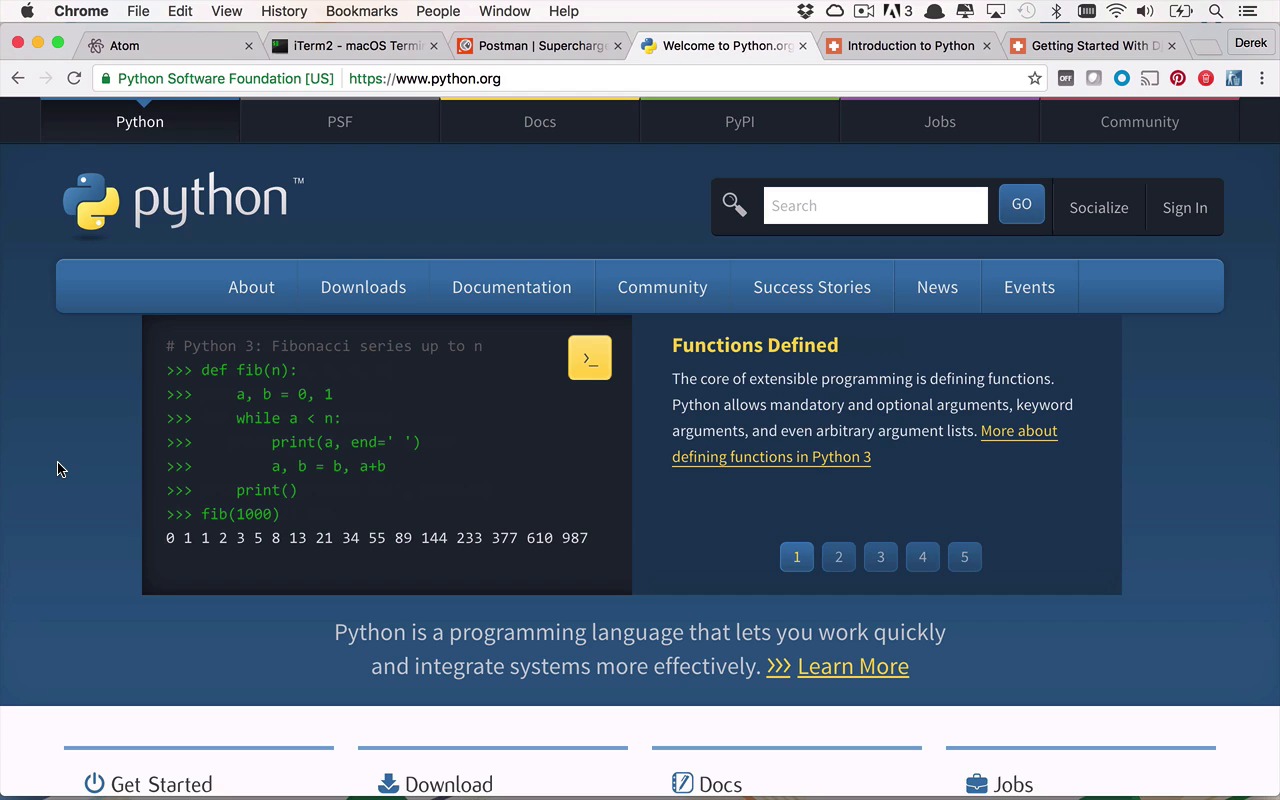
All right, so before we start digging into the world of building the next great REST API with the Django REST framework, we need to level set a little bit and talk about some tooling as well as some prerequisite knowledge that you're gonna need to follow along with this course at a relatively good speed. So the first thing that you're gonna need is obviously a development platform, and here I'm using a Mac. But you could just as easily follow along with, say, a Windows PC or some sort of Linux machine. All of those things should be just fine. You may just need to use slightly different versions of tooling depending on whatever platform you are on. And when it comes to tooling, you could absolutely use a Python IDE that has support for Python and Django and things like that. That would be absolutely fine. But in this course, we're gonna skip past all of that and we're gonna focus on just the basics. So we're gonna be using a text editor and a command prompt, and that is mostly it. There might be one other tool that we're gonna need, but we'll talk about that in a moment. So, when it comes to tooling, you're gonna once again need a text editor. I'm gonna be using ATOM, so you can follow along with that and download it if you don't already have it. You don't have to use that. You could use whatever built in text editors you have on your platform. Anything from Notepad to TextEdit would be just fine. But like I said, I will be using ATOM, so feel free to use that as well if you would like. You're also gonna need some sort of terminal. I use iTerm2 on OS X, but you can use whatever command prompt or terminal, native or otherwise, that you have on whatever platform you're using. All of those will be just fine as long as you can run some basic commands, which pretty much all of them do. Then you'll be able to follow along as well. The only other real tool that you're going to need, and you don't even have to use this one necessarily, is some tool that's going to allow you to execute HTTP requests outside of a browser. And the reason that we're gonna need to do that is because we're going to need to execute some specific types of requests. Not just a GET request, which is what a typical browser is going to do. I'm gonna be using POSTMAN. I happen to like this one. I use this one quite a bit for testing and writing requests against REST APIs. So I would highly recommend using this, but you could use other tools such as Fiddler. Fiddler will do the same thing as well. So if you're familiar with any of these types of tools, then I would definitely grab one of them that you're familiar with. But if you're not, definitely take a look at POSTMAN. It's got a very simple interface and it's very easy to use, so I would definitely take a look at that as well. So now, when it comes to being able to build Django applications, and then obviously Django REST framework style applications, you're gonna be needing to use some sort of Python. And the reason I say some sort of Python is because the nice thing about this is that you can pretty much use whatever you have. As long as it's a relatively later version. I would say at least 2.7.X, and say maybe 3.3, 3.4, or higher. Those will all work. And the reason that those are all going to work is because there is a Django version that's built to handle each of those versions of Python. And I'm gonna show you how to install Django in an upcoming lesson, but just know that, as long as you have a relatively recent version of Python installed in your machine, then everything should work. And the nice thing about that is that on most OS X and Linux style platforms, you typically get some flavor of Python installed by default. You don't always with Windows. I guess it kinda depends on what version of Windows you're using. So if you don't have Python installed, then you can easily go to Python.org. Head to the downloads link and then pick whatever platform you have, and then grab whatever version you want. I'm gonna be using a 2.7 flavor, but like I said, you can use a 3.5, a 2.7. Whichever one should work just fine. So if you really need to download one, pick whichever one of the latest versions of a 2.7 or 3.5, and you should be able to follow along just fine. Now, I'm also going to make some assumptions here that this is not the first time that you have ever seen Python or Django. Because I'm not gonna be getting into a lot of the specifics of the language and of Django, the framework itself, just because that would take an awful long time. And there's other courses out there where you can learn how to do a lot of those things. So if you don't have much experience with Python, I would highly recommend you head over to tuts+ and take a look at my Introduction to Python course. Now, there's a lot of content in here. You definitely don't have to follow along through the whole thing. If anything, I would take a look at the building blocks section and then maybe just pick a couple in the flow and data structure section. That should get you pretty far to get you at least familiar with writing a little bit of Python code as well as what it looks like and some of the idiosyncrasies that you're gonna to run into with the language and the formatting of codes. So that will be very important very quickly. Also, you're gonna need a little bit of knowledge of Django. Now, Django is a fairly easy to flow into as long as you understand Python a little bit. But once again, I would highly recommend that you take a look at my getting started with Django course. And in this case, I would just kinda pick out the getting started section here, simply because you're gonna need to understand how to create a project and an app. And what's the difference between a project and an app. And how to create some models as well as what are migrations and how to create them and execute them. And then once you've done that, how to play around with them and get data in and out of those migrations is gonna become very important very quickly. So once you have the tooling installed, once you have your text editor, you have your terminal, you have POSTMAN ready to go, and a little bit of knowledge about Python and Django. You are ready to build a REST API style application using the Django REST framework. And now it's time for us to set up our development environment.


