

- Overview
- Transcript
2.1 Creating the Invoice Model
Most Django apps are based on a model, and this application is no different. We will start by creating a simple invoice model class that you will be able to extend to your own desire. We will also spend a little time refreshing our memory of how to work with creating and persisting an instance of our model in a SQLite database using the Python shell.
1.Introduction
1.1Introduction00:53
1.2Prerequisites05:48
1.3Setting Up the Development Environment07:41
2.Building the Rest API
2.1Creating the Invoice Model08:10
2.2Adding a Serializer05:06
2.3Getting All of the Invoices07:52
2.4Getting an Individual Invoice07:58
2.5Creating a New Invoice08:49
2.6Updating an Existing Invoice05:21
2.7Deleting an Invoice02:59
3.Conclusion
3.1Goodbye01:19
2.1 Creating the Invoice Model
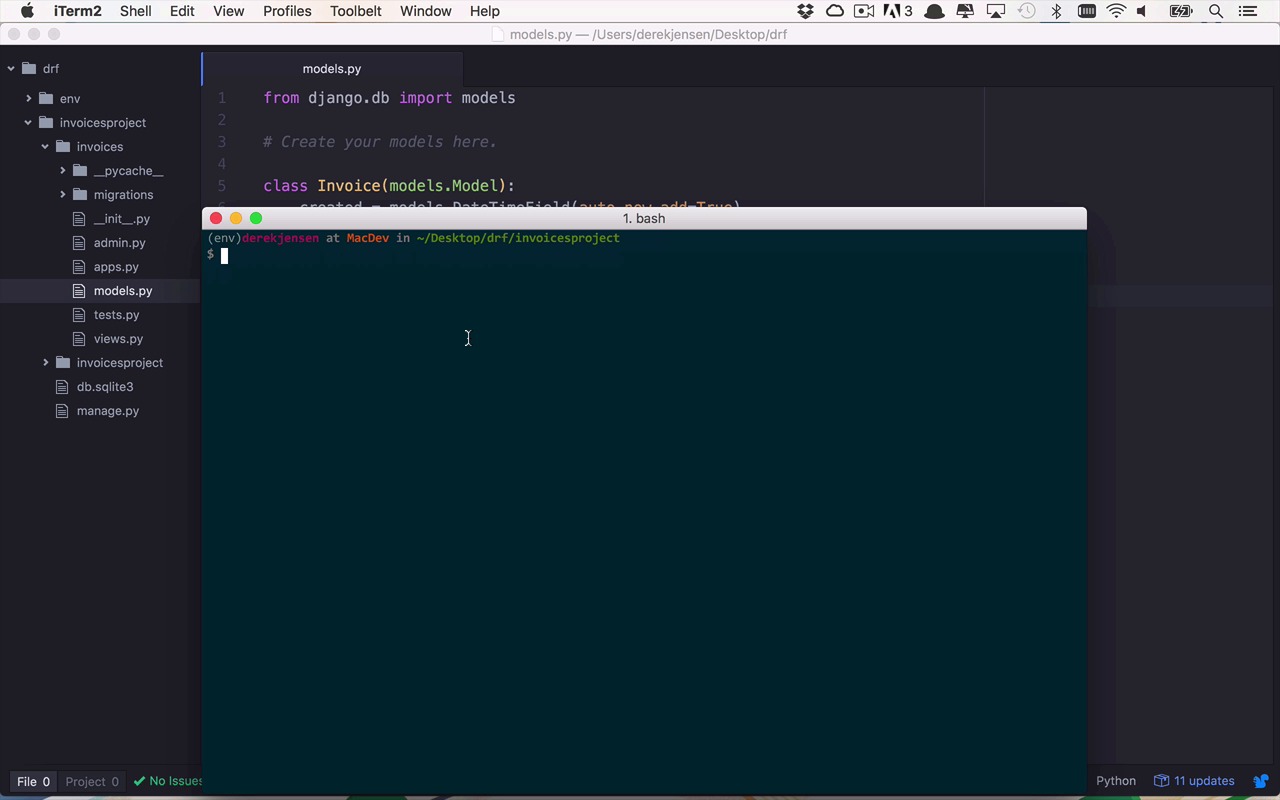
All right, this is great. So now we have our Django application up and running, but it's not really doing anything for us as of yet. So we need to start to create what is ultimately going to be stored within our application and stored within our database so that we can allow users either manually or programmatically to get at that data via the Django REST framework. So the way that we do that is by creating models within our application. And these models are ultimately going to be application representations of data so that we can apply logic and do things within our application within the context of a model, or a class in this case, and also be able to represent those things in a database, to be able to store things and persist them and change them and update them as we see fit. And then ultimately make these available to people via the REST API as what we're going to refer to as resources. So I know that's a lot to digest here, but let's start to pick it apart one piece at a time. So the first thing that I want to do is I want to create a model class to represent the invoices within my application. So I'm going to go into my invoices project and I'm going to go down to my models file. And I'm going start to create my model. And in this case, it's simply going to be represented by a class called Invoice. And this is going to be a model in the world of Django. And then we can apply some properties to this class, or what are basically gonna be represented as similar to columns in a database, or just simple properties in a document database, or a NoSQL style database. So at this point, we can put some simple things in here. Feel free to add on to this or change this however you feel. But if you want to just follow along, I'm going to create some basic ones right now. So we're going to create a created property here, and in this case, this is simply going to be the date in which this particular object has been created. This is going to be a DateTimeField. And we're going to set the auto_now_add parameter here to be equal to true, which means this is going to be created and given a default, which means right now, as soon as it's created, so we don't have to manually set this property. Then let's create a name. So we can give this invoice a name. And this is going to be a string, basically, using the CharField function. And in this case, we need to specify the max length. So this is going to be relatively short, we'll say it has to be about 100 characters. Now, if we wanted to be able to give it a little bit more information, we could also give a description. In this case, I'm going to call this a text field, so that gives it a little bit longer capability so it's not constrained to, like, maybe 100 as our name field is going to be. In this case, I want to allow this to be blank. You don't have to fill it in if you don't want, so I'm gonna set blank equal to True. And then I will give it a default of the empty string just like that. So now we get to the more important aspects of an invoice, like how much the invoice is for. So we're going to call that total. And this is going to be a DecimalField. And the DecimalField has two properties that we need to set. Its max_digits. So max_digits is going to be the total number of digits in the number, including decimal places. So I'm going to say 7 I think is probably a decent one. And then we need to specify also its precision using the decimal_places property here. And that we'll leave at 2, so we can have two decimal places in our total. And we're going to do the same thing for one more property. So let's just copy that, and we'll paste it down here. But instead of total, this is going to track how much has been paid. So we're gonna have a total amount and then how much has been paid. And then you can do some math to figure out how much is still due. But I think that should be enough to get us started. So let's go ahead and save that. Now as a model class, this isn't really doing much for us yet. We need to be able to persist this somewhere within a database. And luckily, Django has some tools that are going to allow us to do that. So I'm going to switch over to my terminal here, and I'm going to create what's known as a migration. And when I execute this command, which is going to be called makemigrations, it's gonna look through my models, and it's going to see if there are migration files that handle the translation of this model class into something that can be represented within the database. So the way that we do that is we're going to use our manage.py file again, we're going to use makemigrations. And then we need to say which application we wanna make migrations for, and I wanna make them for invoices. So it's gonna go through and it's gonna find that I have this model invoice, and then it's going to create a migration for it so that it can be stored within the database. And now it only has a migration, nothing's actually been done with it yet. So in order to actually execute that migration, we need to run the migrate command. So now it's going to apply that migration. And now we have this representation of an invoice within our database. So now I can go in and start to play around with this a little bit. So the way that we do that is we're going to open up a shell. We're going to use manage.py shell, and this is going to open up an interactive shell. So if you've ever seen Python or used it before, this should be not new to you at all. So what I want to do now is I want to take a look at these invoices and what they look like. So in order for me to do that, first I need to do an import. So I need to say from invoices.models, I want to import invoice. So now I can get access to these invoices and what they are via this interactive shell. And as I mentioned before, when you run that migration, it's basically creating a database representation of your model. And the way to get access to that to see how many are there, I can use the Invoice class, and I can say .objects.all, so give me all the objects back. And as you can see here, it's an empty query set. So let's add something to that. So we're going to create a new invoice. And I'm going to set this equal to a new invoice, and I can set my properties on this now. I can say, my name is going to be My first invoice. And the description, I will give it a description for now. Let's just call this a very detailed description. Even though it isn't. And I need to give it some values for the total. And we'll set the total equal to, let's say it's for $100. And the total amount paid so far is going to be equal to 0 so far, so nobody's paid any of this yet. So now I've created a new instance of my invoice. And I can start to look at the different properties on this. So I can see what's the invoice name, My first invoice. What's the invoice total? What's the invoice paid? And I can start to look at all these things, and this is really great. Now I have this stored somewhere. Actually, I don't have it stored yet, all I have it is right here. So if I just try to do Invoice.objects.all, you're going to see that it's still an empty query set until I execute the save command on my invoice. And then if I go ahead and take a look at all objects again, you're going to see I have a single instance in there. So now that it's persisted within the database, that's great, but that's not really doing a whole lot of good for me. I can't really just take this object out of my database and then give it to somebody so that they can see it coming out of a REST API. I need to transform this object, that's this structured object within memory, and I need to do something with it to make it more useful to the end user, whether that's a human or a program or some sort of application. And we call that process of translation from an object into something more representable a serialized or serialization. And the reason that we do that is because most of the REST APIs out in the real world are typically speaking in the language of JSON, which is going to be a string representation of this object. And then the consumers, like I said, whether they be humans or programs, can then do something with that data. They can deserialize it into an object on their site and do something with it, or they can just leave it in that format and do something with that string manually. But I'm getting a little head of myself. So in the next lesson, we are going to talk a little bit about serialization and what that actually looks like within the Django REST framework.


