
 Lessons: 10Length: 1.2 hours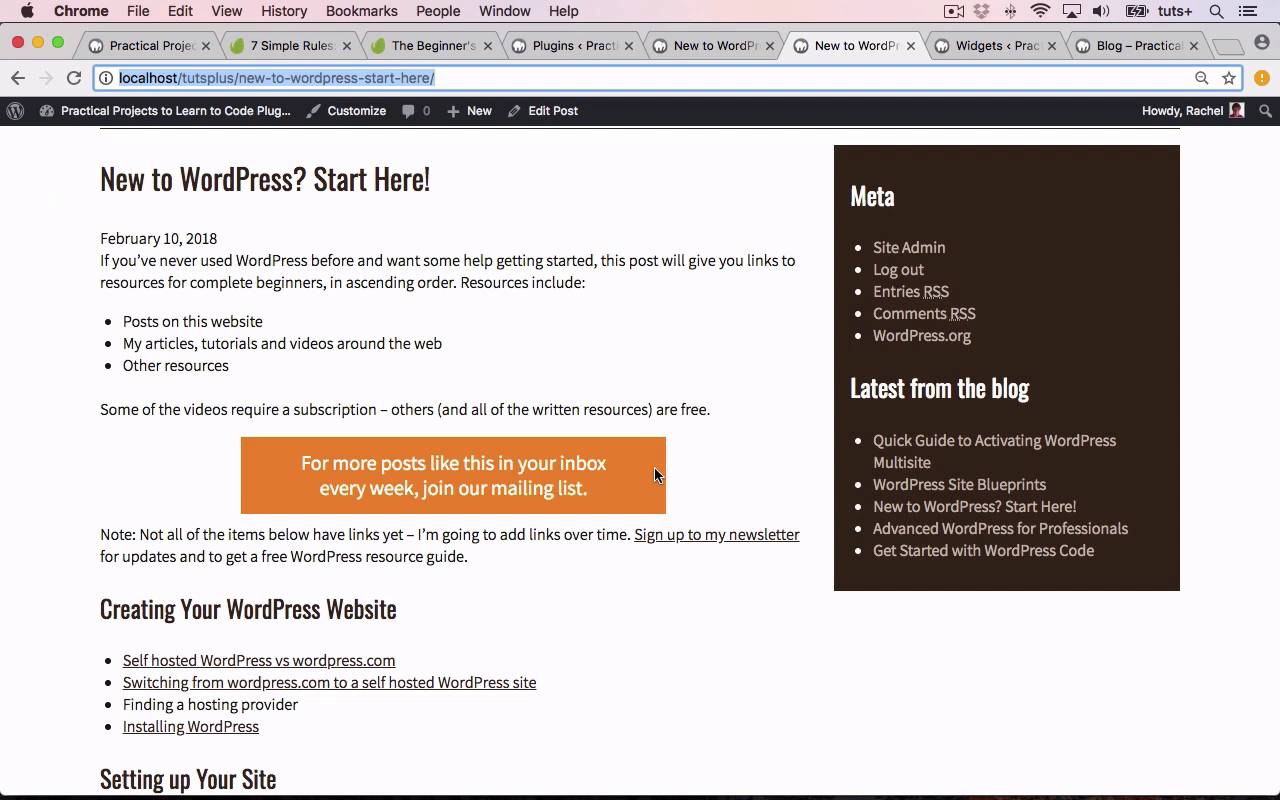
- Overview
- Transcript
6.1 Conclusion
Congratulations on completing this course! By this time, you should have three practical examples of plugins that you can adapt and use in your own WordPress projects. I'm Rachel McCollin, and from all of us here at Envato Tuts+, thanks for watching!
1.Introduction
1.1Introduction00:59
2.Plugin Best Practice
2.1Best Practice for Coding Plugins06:48
3.Creating a Hook-Activation Plugin
3.1Action and Filter Hooks06:26
3.2Coding a Plugin for Activation With a Hook11:47
4.Creating a Shortcode Plugin
4.1Creating a Simple Shortcode06:23
4.2Creating a Shortcode With Editable Content05:40
4.3Creating a Shortcode With Editable Parameters10:21
5.Code a Widget Plugin
5.1Creating the Widget12:23
5.2Save User Edits to the Widget10:30
6.Conclusion
6.1Conclusion02:52
6.1 Conclusion
Hello, and welcome back to this Tuts+ course on Practical Project to Learn to Code Plugins. In this part of the course, I'm gonna recap on what you've learned during the course. So we started off by looking at some best practices for the plugin development. And I gave you some simple rules such as how you name your files, how you structure your plug in folders and how you make sure that you're using the WordPress coding standards. We then moved on to looking at plugins that are activated via hooks. And I gave you an overview of action and filter hooks and how they work, and then we created a plugin to do that. So during the course we created a number of plugins, but the first one was Hooked to Theme. So we created the code for that plugin, hooked it to a hook that we added to the theme, using our own theme, and then activated it to show it on the site. We then move on to looking at creating short code plugin. So we created the code for a shortcode plugin, again and queuing the style sheet and using that, and we created a simple plugin that outputs some text within a link. And you can see that in the post here. We then moved on to creating some slightly more complex shortcode plugins. So firstly, we created a shortcode which enables the user to add the content In Aetween the opening and closing short code text. And that have the same effect of adding this text, although obviously, the user could change it and add their own text. Having done that, we created a more complex plugin with some attributes and parameters. And that allowed the user to define the plugin's parameters using the text and link attributes. So again, it outputs something very similar depending on what we typed in as our attributes. Having looked at short code plugins, we looked to creating a widget plug-in. And I took you through the process of creating a widget class to extend wp widget class which consisted of a construct function. A form function, a function to save the data, and then a function to output the widget. As well as, finally, outside that class, the function to actually register the widget to our site. And that created a widget that was added to our widgets screen in the admin and then was output in the sidebar widget area of our site. So that's giving you some examples of the different kinds of plugin that you can create using WordPress. Now, in every case, we've created a call to action box. And we've done that differently, which shows you how those different methods of creating plugins work for a very similar scenario. But you can then apply this to whatever plugin you need to develop for your site. I hope you found this course useful, thanks for watching.


