


- Overview
- Transcript
4.1 Conclusion
I hope this course has inspired you to experiment more with the new Lumen micro-framework. My name's Simon Bacquie and from all of us here at Envato Tuts+, thanks for watching.
1.Introduction
1.1Introduction01:25
1.2Setting Up Your Dev Environment06:05
2.Core Concepts
2.1Models, Migrations, and Seeds06:08
2.2Routing Overview03:16
2.3Views and Layouts04:57
3.Putting It All Together
3.1Navigation and Forms05:13
3.2Creating Records, Validation, and Session Data05:35
3.3Updating Records, Redirects, and Model Association07:01
4.Conclusion
4.1Conclusion00:48
4.1 Conclusion
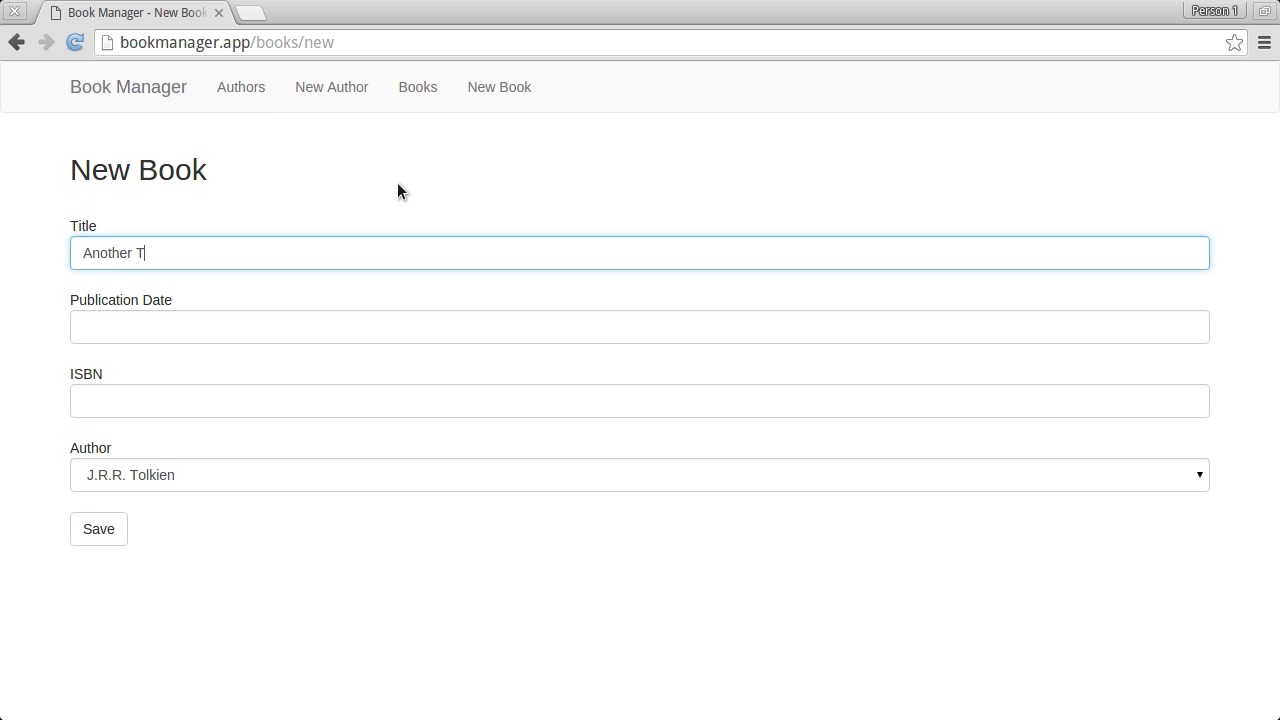
In this course we started with a boilerplate Lumen application, and built it out into a fully functional application for managing books and authors. We wired up pieces of Laravel that aren't enabled in Lumen by default, such as the environment file, the eloquent ORM, the views and layouts folder, and sessions. We laid out a set of routes for the functionality of the app, following a clean restful structure that Lumen makes easy. We created slick HTML forms and tables for handling our data, made effortless using Bootstrap. And even set up a date picker widget through jQuery UI. Now that you're familiar with Lumen, consider using it in your next project.


