
 Lessons: 11Length: 1.3 hours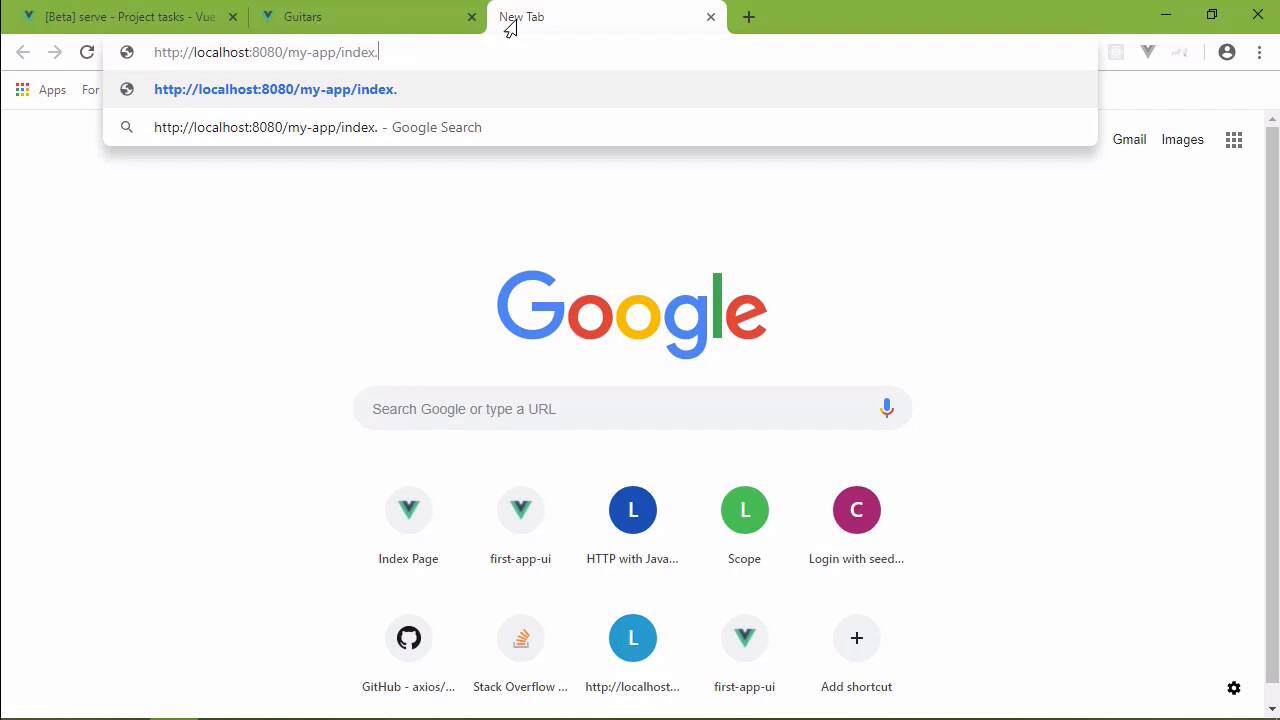
- Overview
- Transcript
3.4 Project vs. Public Assets
There are two types of assets we can use: assets that reside in our project and assets that exist outside of the project. I'll show you the difference between the two in Vue CLI projects.
1.Introduction
1.1Introduction01:42
1.2What You Need04:10
2.Creating Projects
2.1Using the Command-Line Interface13:58
2.2Using the Vue UI13:41
3.Configuration Options
3.1Overview of Project Configuration Options08:54
3.2Configuring the Index Page08:28
3.3Adding a Second Page06:11
3.4Project vs. Public Assets10:12
3.5Using Environment Variables06:08
4.Deployment
4.1Building and Deploying Your Project05:05
5.Conclusion
5.1Conclusion00:50
3.4 Project vs. Public Assets
A few lessons ago, I mentioned that there is a distinct difference between the assets that we have in the public folder, and the assets that we use within our application. And it really comes down to the URL. So let's look at the App.vue file inside of the index folder. And let's focus on our use of the logo file. So, the URL is relative, any URL that begins with a period is a relative URL. So whenever you use a relative URL, then when our project is built webpack is going to see that URL and it's going to resolve that asset as a module dependency. Now, that might sound inefficient, but really that's what you want, because there are several benefits for letting webpack handle these assets. For one, smaller images are converted into a data URL, and that makes it more efficient as far as transmitting that over the wire. For another, it gives us a compile time check if you will for those files. So if we run into a file that doesn't exist, let's say that we misnamed our file inside of our code, and we say logo1.png. Well, if we look at this in the browser, it failed to compile because it can't find that asset. So, instead of getting a 404 or anything like that, boom, we get an error and we know exactly what the error is because it tells us that it can't find that asset. So, we get better efficiency and we get compile time checking which is always a good thing in development. Now, that means that if you can use relative URLs to reference your assets, and I'm going to hazard a guess and say that, that is okay most of the time. However, there are some cases where that is impossible. And let's consider this example. So we are building an application that's going to be running on another server. And that server already has some assets that we need to display in the browser. However, we don't have those assets as part of our project. So that means then that we need to reference them in our application. But we have to do so in a way so that webpack isn't going to look at them as module dependencies. And that's easy enough to do because that means that we just have to reference them as an absolute URL. Our application that we are developing right now is going to run on the server that already has the assets that we want to display. Like a gallery, it would be thousands of images but in our case, we are going to use four. So I'm going to drop in four images of my guitars actually, one of these is no longer mine because I sold it. So inside of the public folder, I am going to put a folder called assets, and then we will have images. And if I really wanted to be obsessive about this, I would have guitars, but I'm just gonna drop these images in. And then, I want to reference these, and I already have the HTML for that. And I'm going to add this to the App component inside of the guitars folder, and after our link for going to the index page, I'm just going to drop that in. So, yes, we could say that this is a relative URL, but really it's not, it doesn't begin with a period. So webpack is going to ignore it as a relative URL. And as far as the browser is concerned, it's going to automatically tack on the http://localhost 8080. So if we fire this up in the browser, let's just go ahead and well, we can see that those images are there. It's not pretty but it at least works. But let's also say that our application isn't going to be running at the root on this other server. It actually is going to be running inside of another folder, so we would actually have something like http://localhost, let me get my fingers on home row and then /my-app. And then this is where our index HTML and our guitars HTML, and everything else is going to be even our static assets. So, then that puts in the problem. How do we go about coding our applications, so that we still have an absolute URL for our public assets but also include a base URL if you will, a base path? Well, we have a property for that, or a setting. If we look at the config file, we can add a baseUrl. And in fact, we have seen this in the UI as well. So if we go back to the CLI service config, there's base URL. And so, if our application is going to be running on a server in a folder called MyApp, then we could set that as the base URL. Now we can do this here in the UI or we could do this here inside of our config file. Since we're here, let's just go ahead and do it. So baseUrl, and that was my-app. So now, we need some way to reference this base URL. And in fact, let's go ahead and stop this, and get it started again. We need some way to reference this base URL in our code, so that specifically inside of this app component, we include the base URL here. Well, what we can do is inside of our JavaScript for the component, we'll add data. We will return an object that has a property called baseUrl. And we would get that value from process.env and then there is BASE_URL. This is pulled from our config, which we can then use inside of our component. So we need to change these to be bound and let's use our template strings here so that we will include baseUrl. Let's get rid of that slash because that's actually part of the baseUrl, and there we go. We just need to make that change to the other image tags, which is easy enough to do, although we do need to use the bind syntax there. And let's save, let's go to the browser. And let's see what we get. Now, this is a little misleading, okay? If we go to assets, images and we look at the les-paul.jpg. We're still going to see that image. Even though there should actually be my-app/assets/images/les-paul, we still see that. So, this is one of the things I think could be improved upon because I have to admit I was confused about this, I thought that's okay, I've done something wrong. Until I actually moved things to a semi production server, and I saw that uh-huh, okay, everything is working as is. So if we change this to go to my-app/index.html, well, we see our index page, what we would expect to see. If we click on the guitars link, that's going to take us to the guitars page. And if we inspect this, we are going to see the baseUrl, my-app/assets/images, and so on. So if you plan on using the public folder, it's best to go ahead and use the baseUrl inside of your components. Now that means you have to do that for all of your components that are going to be referencing files inside of the public folder. But your code would be much more flexible that way. So then it comes the question, when should you use the public folder? Well, the first rule should be that if you need to refer to a specific name, and by name, I mean a specific path as far as the URL is concerned. Then, that's when you need to use the public folder. If you have thousands of images that need to be dynamically referenced, then the public folder is probably what you want to use. And if there are any files that may be incompatible with webpack and how it loads those resources as modules, then you would want to put those resources in the public folder as well.


