
 Lessons: 10Length: 46 minutes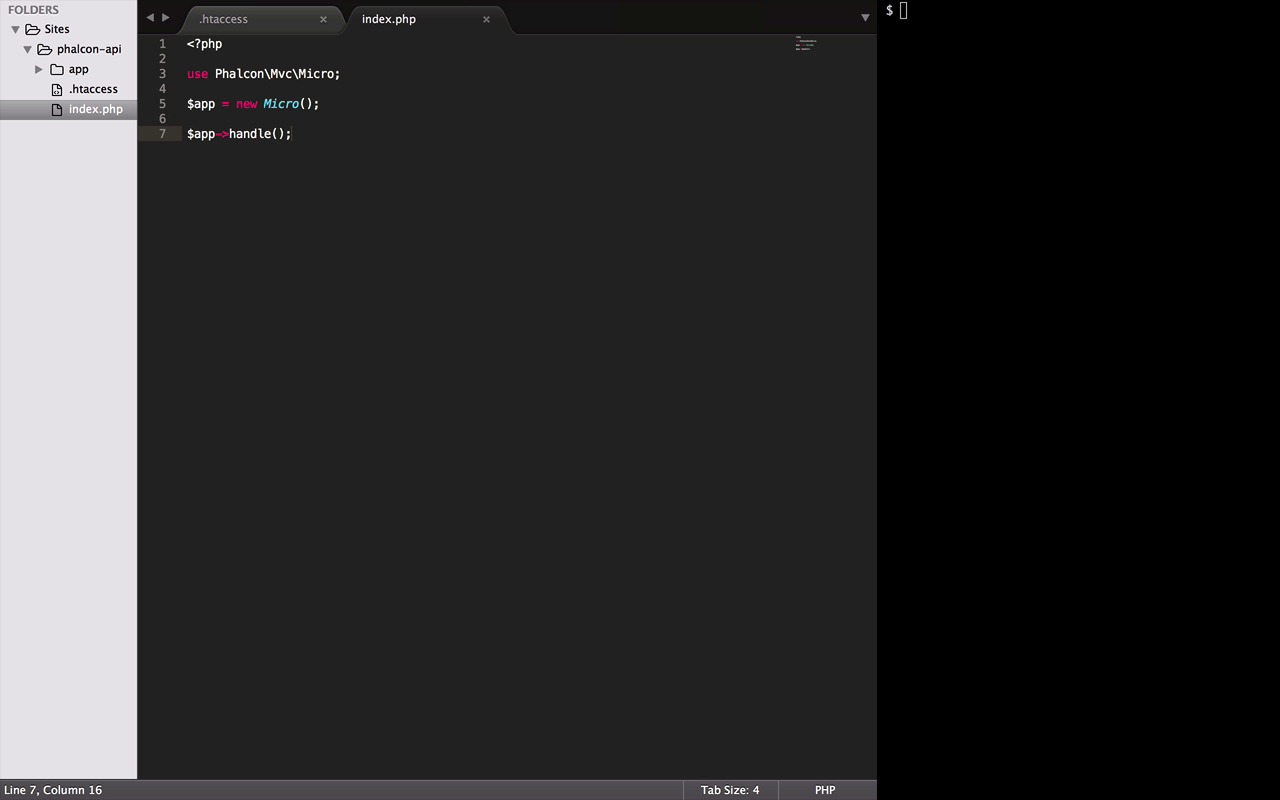
- Overview
- Transcript
2.1 Create the Endpoints
In this lesson, the first thing we’ll do is create the .htaccess file that will instruct Apache to rewrite all the URIs coming to this project index.php. This file will be the gateway for our API.
Related Links
1.Introduction
1.1Introduction01:18
1.2What We'll Be Building01:08
1.3Set Up the Application03:37
2.Create a REST API With Phalcon
2.1Create the Endpoints05:44
2.2Create Models07:32
2.3Create a Database06:48
2.4Retrieve Data06:10
2.5Create, Update and Delete Routes07:06
2.6Wild Card04:09
3.Conclusion
3.1Conclusion01:58
2.1 Create the Endpoints
Hey everybody, this is your instructor Manish Kumar and I'm back with Chapter 2 of our short course of Phalcon RESTful API. In the previous chapter we did just the basics, but in this chapter we will learn a lot of new things, like how to use framework in your project, creating models, validations, RESTful endpoint and much, much more. I'm really excited about this chapter and I hope you are too, so let's get started. So the first thing that we need is this .htaccess file. It will contain all the rules for our project to rewrite URIs coming to this project towards index.bhp file, which is going to be the gateway to our API. And since we have to rewrite the URIs, I'm going to use the rewrite engine module for this. After switching the module on, we need two things. First is a rewrite condition and the other is a rewrite rule. The RewriteCond is a simple condition that checks if the requested file exists. And if it does, it doesn't have to rewrite the URI. And the last part, RewriteRule, basically tells a project to rewrite every request to index.php, but only if when the condition above is false. And that is it, our htaccess file is ready, the reason we have rewritten all URIs to this index.php, is because this file is very important. It serves as the heart of your application, it gives control over all the aspects from initialization of components to application behavior. Everything starts from this index.php file. And in Phalcon framework, we call it the bootstrap file. Let's start by putting a php tag. Now to use Phalcon framework in any php application, we type use followed by a reference to any Phalcon class or component. All the Phalcon magic is hidden in these components and we will use a lot of them down the road. For now I'm using the MVC component, but a micro version of it. Why? Because our API is very simple, we don't need to implement full language environment. For example, views has nothing to do with our API, so Phalcon provides us a micro and VC component for such cases. And by using this, we will only need to rewrite a minimal amount of code to create our API. To use it, let's create a new instance of this class. And lastly, call the handle method which handles all the incoming request. So with this, our basic setup is ready. Let's do a quick recap. Every request received by Apache Server for this project will be rewritten to index file. All credit goes to the htaccess' file and her rules and conditions. After that, the handle method in index file will handle all these requests coming to the file and toss them up to their respective route. And since we don't have any route yet, so let's quickly define one. Well, the micro component provides us with a bunch of methods to do it. The get method indicates that the associated HTTP method is get. It takes two parameters. First is the route itself and the other is a route handler method. In our case, just an anonymous function with a simple echo message. Now handlers are executed when a route is matched. And for testing the routes, I will be using CURL in my terminal here. It is easy, quick and does the job very well. But feel free to use any other tool or your browser with a third party extension. So let's CURL localhost/phalcon-api/api. Congratulations, you have successfully defined your first dummy route. Now the last thing we need to do is define some RESTful endpoint for our data model cache. Let me just quickly copy this and create five duplicate routes. Great, these three should remain as is, we will get back to them in a second. But starting from this one, I'm gonna change it to post. Because post allows us to submit data to a specified resource which we need for creating a new record in cars table. Here, I will use put HTTP method, which is widely used to update particular record. And since we mentioned a particular record, we have to provide this route a reference to that record, like an id in our case. In the last one, we will use a delete method for being able to remove a particular car from the database. It will also need an id to refer that record. And one thing that I really love about routing in Phalcon is that, you can use regular expressions along with the parameters to explicitly validate them, like it will check if the id's a numeric value. Now, coming back to the get method, well, as we know, get methods are used to send requests to a server. In our case, it's for fetching cars. But you might ask, why we have to use three of them? Well, let's just start with the first one. It looks fine, no modification is needed. This will be used to fetch all the cars at once. Now this one, on other hand, will be handy if we need to fetch any one particular car. And it will also need an id for fetching that car. And the last one we will use for searching with, let's say, a registration number. Great, so we have finished defining all the endpoint. Now down the road, we will be exploring all these routes and their functionalities in details. In this lesson, we learned how much the bootstrap file is important, how the request get to it, and lastly some insights about the routing. I hope you enjoyed this lesson, but the next one is going to be even more interesting. Till then, bye, bye.


