
 Lessons: 9Length: 1.1 hours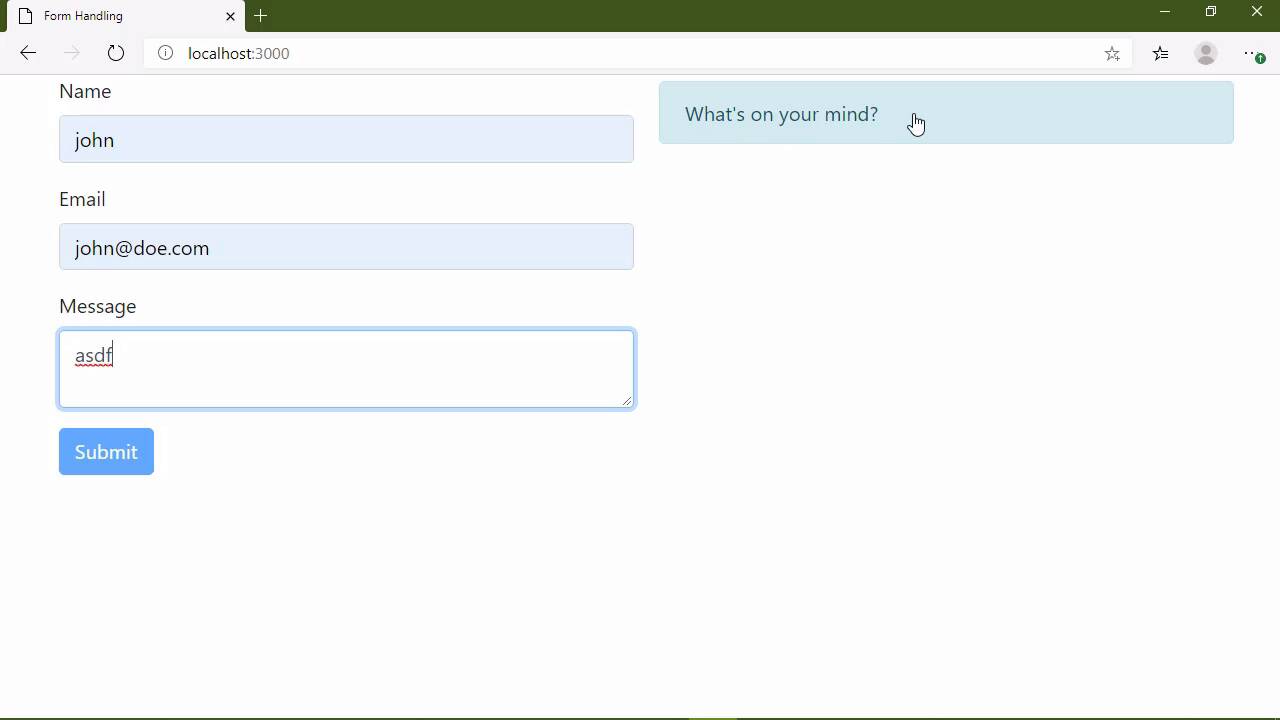
- Overview
- Transcript
3.1 Conclusion
In this course, you've practiced combining the fundamental concepts of JavaScript development and applying them to create something useful. But we're not done! There are plenty of things we can do to add more functionality and provide a better experience. To wrap things up, I'll show you some ideas for how the contact form can be improved.
My name is Jeremy McPeak, and from all of us here at Envato Tuts+, thank you for watching!
1.Introduction
1.1Introduction02:30
1.2Getting Started06:29
2.Building the Form
2.1Writing the Markup08:45
2.2Setting Up Unobtrusive Event Listeners08:44
2.3Organizing Functionality With Objects07:32
2.4Validating Form Fields10:40
2.5Displaying Validation Messages09:42
2.6Submitting the Form11:03
3.Conclusion
3.1Conclusion02:34
3.1 Conclusion
By now you have an understanding of how to combine the fundamental concepts behind JavaScript development and apply them to create something useful. And yes, while what we created was just a simple contact form, the reality is that applications are made up of simple components, menus, lists, carousels. All of these things are relatively simple and they've certainly been done thousands and probably millions of times. And really, the hard part is coming up with new ideas, because once you understand how everything kinda fits together, it's really easy to implement that code. Now, as far as our implementation is concerned, yeah, there's plenty of things that we can approve upon. For example, I would probably want to organize the code a little bit better, we could break the validation code out into another object. So that we would be working with just form stuff, and then the validation stuff, and then the message paint stuff. And as far as usability is concerned, we could actually enhance the user experience as well. For example, if we submit the form, we do have this nice Thank you message. But whenever we focus over any one of the fields, that message is gone and we have our informational messages, once again. Of course, we could easily change that by just having a simple little variable like isFrozen, and we can initialize that as false. And then inside of our info and validation methods, we can simply check to see if it is frozen. And if so, then we just simply want to return, we don't want to do anything if it is frozen. And then we could provide a method called freeze, and this would simply set isFrozen to true. So that on a successful request to the server, we could simply freeze those messages, so that the Thank you message will stay there. So there's a lot of extra things that we could do to make this better, and that is part of the fun of writing software. Not only do we get to write this really cool stuff, but we also get to experiment and implement new ideas to make our code better. Thank you so much for watching this course, as always, feel free to contact me through Twitter or the Tuts+ forums if you have any questions. From all of us here at Tuts+, thank you and I will see you next time.


