
 Lessons: 7Length: 44 minutes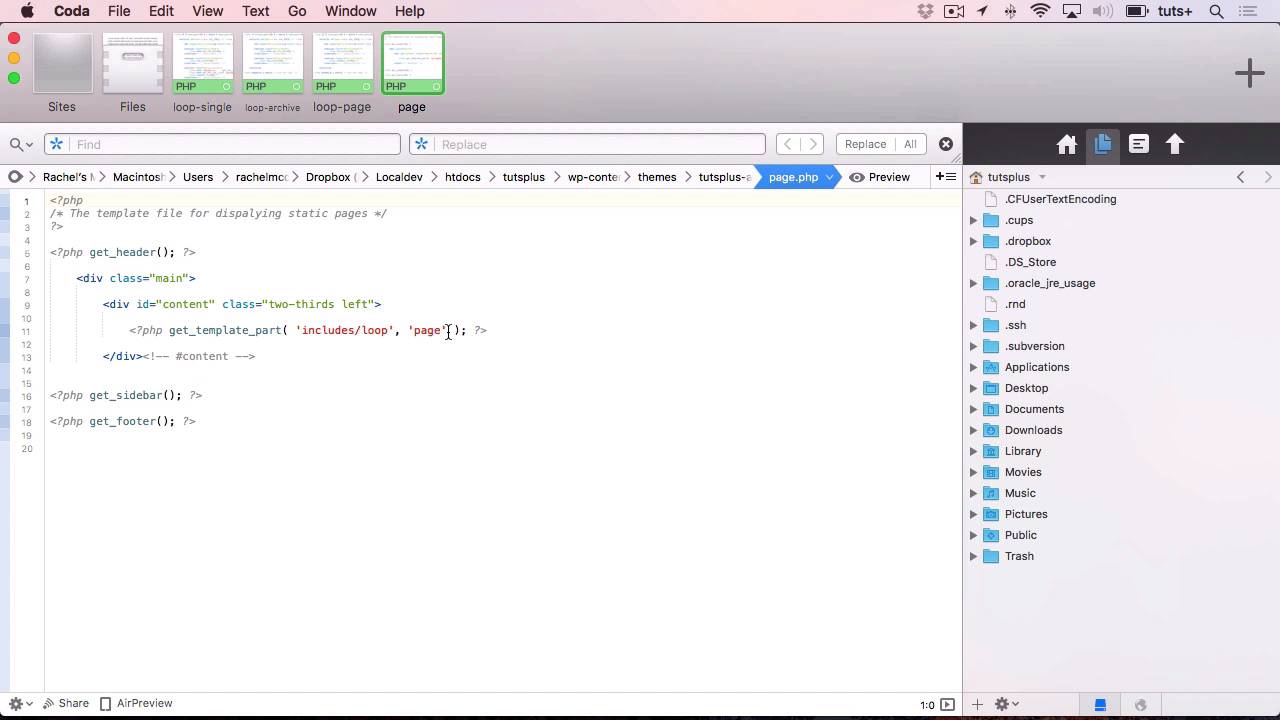
- Overview
- Transcript
5.1 Conclusion
Congratulations on completing this course on creating templates for your WordPress themes! In this lesson, we’ll recap what’s been covered in the course.
Related Links
1.Introduction
1.1Introduction00:37
2.Making Use of Include Files
2.1Review of Standard Include Files05:22
2.2Creating Multiple Loop Files11:36
3.Creating Custom Template Files
3.1Custom Page Templates05:23
3.2Templates for Custom Content11:02
4.Conditional Tags
4.1Using Conditional Tags to Output Content06:37
5.Conclusion
5.1Conclusion02:58
5.1 Conclusion
Hello, and welcome back to this Tuts+ course on coding advanced theme templates. In this course, you learned how to create some advance types of template file within your theme that add to the standard files that you use in every theme, and give you a little bit extra functionality. So in this conclusion, I'm just gonna run through what we've done and remind you what you learned. So this is a site that we use as a dummy site to demonstrate what we were doing. And when we started, it didn't have quite as many files. For start off, it didn't have all of these loops, it just had a single loop.php. But we created some custom loop files. So for example here, we created a file called loop-single.php. So here it is on the site, with the date, the content. And then way down at the bottom, you can see that the categories and tags were added. And we added that using the get_the_category_list and get_the_tag_list functions. We also created some extra loops, we created one for the archive, which has an h3 tag instead of h2, and it includes the excerpt instead of the content. And we created one for a single static page. But we also edited the relevant template files in order to call those. So here, for example, on the page template file we edited this get_template_part function, so instead of reading get_template_part includes/loop, we added an extra parameter of page, which means WordPress looks for this loop-page.php file. Having created those custom loops and custom include files, we moved on to looking at some custom file types. So we started off by creating a custom page template for the contact page. Here's our contact page, and we added a button to that with a link to contact the site owner. And that can be edited and that particular template can be selected in the Page Attributes section here. We also created a couple of template files for custom post types. And in a later part of the course, we then replaced those with conditional tags. So we created loops for them. So here we created a loop for a single book, where we got the list of terms as well as the list of categories for the genre term, which applies to books. And we also created a loop here for an archive of the genre taxonomy. Now, initially we created a new version of the archive file and a new version of the single file for each of those. So one of the post type and one for the taxonomy. But we then went on to use conditional tags to make our code more efficient. So here in our archive.php file, we checked what taxonomy we're in. And if it was Tuts+ genre, we went for the loop for the genre. And if not, for the standard loop. So I hope you found this course useful and that it'll help you create better themes in future. Thanks for watching.


