
 Lessons: 8Length: 56 minutes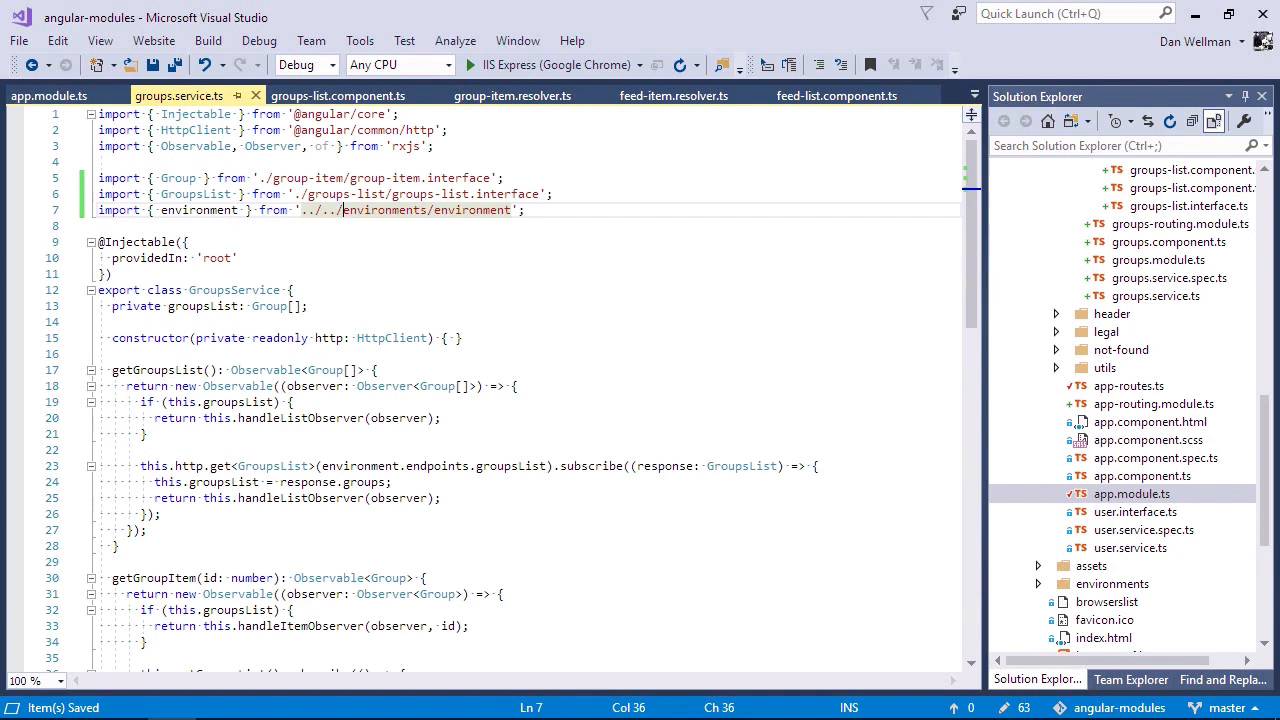
- Overview
- Transcript
2.4 Handling Services
In this lesson, we'll take a look at limiting the scope of our services so that they are only available to the feature module that uses them, rather than being available throughout the whole app.
1.Introduction
1.1Introduction00:48
1.2Setup07:47
2.Refactoring to a Multiple Module Architecture
2.1Adding Our First Submodule05:14
2.2Adding Feature Modules13:30
2.3Lazy-Loading Feature Modules10:36
2.4Handling Services06:51
2.5Creating a Third-Party Module10:22
3.Conclusion
3.1Conclusion00:43
2.4 Handling Services
Hi, folks. In this lesson we're going to see how we should handle services when we are refactoring to a multiple module architecture. The example application has some services in the root app folder, namely the feed groups and user services. All of these services are singletons, which is fine. That's appropriate for services in most cases. Let's just open up the user service. What makes this service a singleton is the providedIn property of the configuration objects we pass into the injectable decorator. This is set to root, and so this service is injected into the root module of the app and Angular will make this a singleton service that can be imported anywhere else in the app. This is how state is often shared inside an application. The user service is used throughout the application, even in the lazily loaded feature modules, feed and groups. The feed and group service, however, are only ever used in their respective modules. So let's move these services into their feature modules where they belong. So now we'll have some paths to update for modules that import these services. Let's do that now. We basically just need to update these paths. No other changes need to be made. Let's go back to the browser and check that everything is working as it should do, and we can see that the application can't find the feed service, that's because we've moved it. So let's just stop and start the dev server. Generally, we need to restart the dev server when we move folders or files around. So something is still looking for the feed service, that looks like it's the app module. Let's just remove these from here. And it looks like it's compiled successfully now, let's just go back to the browser and check. And there's no errors in the console, let's just do a hard refresh. And it looks like everything is working as it should do, perfect. Both the feed and group services still have the same configuration in terms of the providedIn decoration configuration. They're still both injected into the root module. But when Angular lazy loads the module, it will now automatically include this service for us. Once more, even if we do inject and use one of those services somewhere else in the app, it will still be a singleton. So let's inject the feed service into the app component file. And let's set some arbitrary property of this FeedService. We do that in the ngOnInit. So now, in one of the places where we use this service, like in the feed-list component, let's see if we can access this new property. And let's go back to the browser and see if we can see this message in the console, and we can see that we do. We can see the instance test output to the console. So we know that there is a single instance of the feed service, it's still a singleton. And the reason why it's a singleton, as I mentioned earlier, is because of the relatively new providedIn configuration property for the service. So we're saying that the service should be provided in the root of the application. And even though it's now being injected into a lazily loaded module and it's no longer in the root of the application, Angular will still make sure that this service is a singleton. And this is a huge improvement from previous versions of Angular, where if we tried to do this same thing without using this providedIn configuration, we would end up with two instances of the feed service. And obviously, if you've got two instances of what you think is a singleton, you can't use those instances to share states. It just doesn't work. So this is a huge leap forward in terms of application architecture for this relatively trivial configuration property. Older services which don't make use of this configuration property will not work in the same way, and you may find yourself having multiple instances of what you think is a singleton. So it's definitely something to be aware of when refactoring, especially when working with older applications that might be using an earlier version of Angular. So in this lesson, we saw that we can move services into lazily-loaded modules very easily. And that this doesn't have an impact on whether the service remains a singleton or not. Thanks for watching.


