
 Lessons: 16Length: 1.7 hours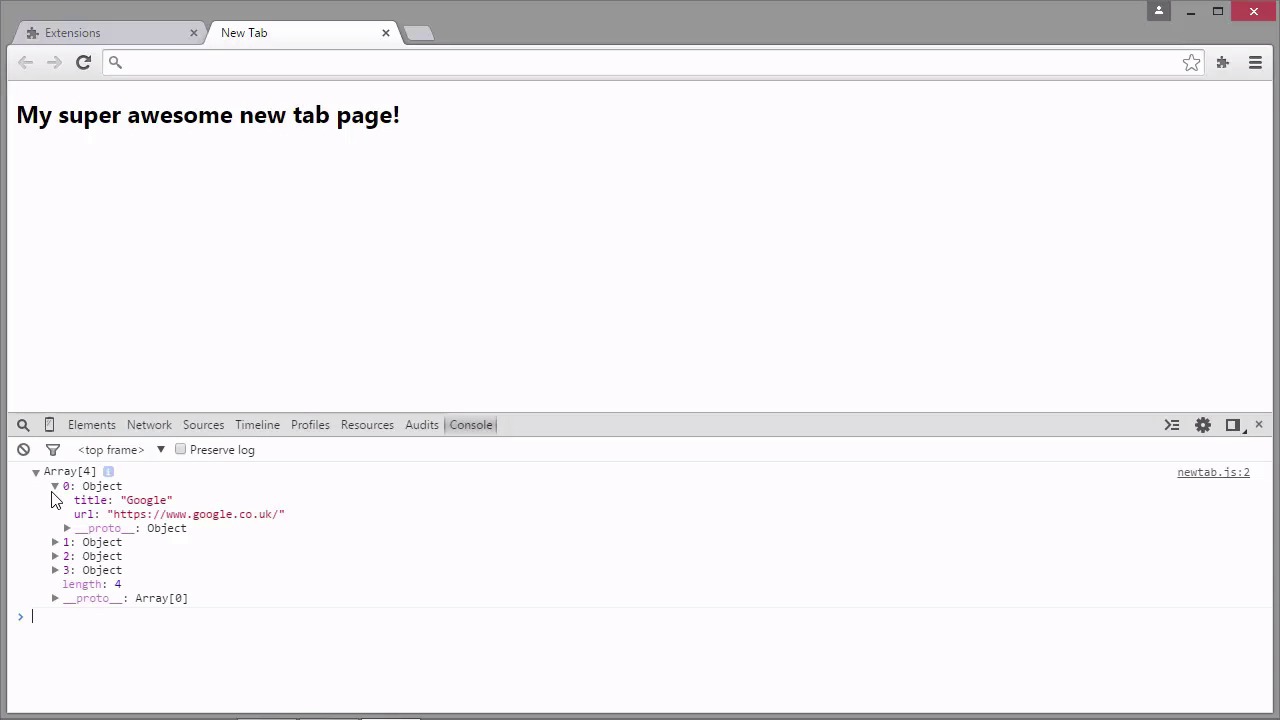
- Overview
- Transcript
2.7 Overriding a Built-In Page
We can override some of Chrome's built-in pages, such as the new tab page. In this lesson we see how to achieve this, and we’ll also take a look at some of the APIs we might want to use when overriding a page.
1.Introduction
1.1Introduction00:54
1.1
Introduction
00:54
1.2Setup06:10
1.2
Setup
06:10
2.Extension Basics
2.1Architecture04:08
2.1
Architecture
04:08
2.2Building a Browser Action04:58
2.2
Building a Browser Action
04:58
2.3Adding a Popup06:42
2.3
Adding a Popup
06:42
2.4Using chrome.* APIs06:26
2.4
Using chrome.* APIs
06:26
2.5Content Scripts05:24
2.5
Content Scripts
05:24
2.6Building a Page Action07:06
2.6
Building a Page Action
07:06
2.7Overriding a Built-In Page08:02
2.7
Overriding a Built-In Page
08:02
3.Building a Chrome Dev Tools Extension
3.1Creating a Panel08:06
3.1
Creating a Panel
08:06
3.2Creating a Sidebar Pane07:45
3.2
Creating a Sidebar Pane
07:45
4.Common Tasks
4.1Communication Between Components09:45
4.1
Communication Between Components
09:45
4.2Localization07:33
4.2
Localization
07:33
4.3Extension Security08:33
4.3
Extension Security
08:33
4.4Packaging an Extension05:34
4.4
Packaging an Extension
05:34
5.Summary
5.1Summary02:19
5.1
Summary
02:19


