
 Lessons: 9Length: 59 minutes
- Overview
- Transcript
1.2 Set Up the Dev Environment
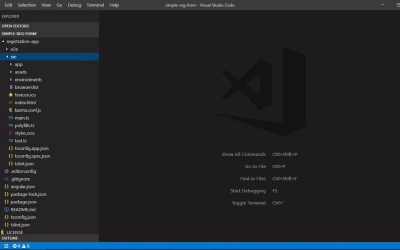
In this lesson, I'll show you which technologies we'll be using in the course and get everything set up and ready for the coding examples. I'll also show you how to download the example code and how to view the final code if you get stuck.
1.Introduction
1.1Introduction00:45
1.1
Introduction
00:45
1.2Set Up the Dev Environment04:33
1.2
Set Up the Dev Environment
04:33
2.Creating a Template-Driven Form
2.1Adding the Form Markup08:50
2.1
Adding the Form Markup
08:50
2.2Adding a Data Model09:00
2.2
Adding a Data Model
09:00
2.3Special Cases: The Select Box05:04
2.3
Special Cases: The Select Box
05:04
2.4Special Cases: Contact Preferences11:56
2.4
Special Cases: Contact Preferences
11:56
2.5Adding Form Validation10:40
2.5
Adding Form Validation
10:40
2.6Handling Form Submission06:20
2.6
Handling Form Submission
06:20
3.Conclusion
3.1Conclusion01:25
3.1
Conclusion
01:25


