
 Lessons: 11Length: 46 minutes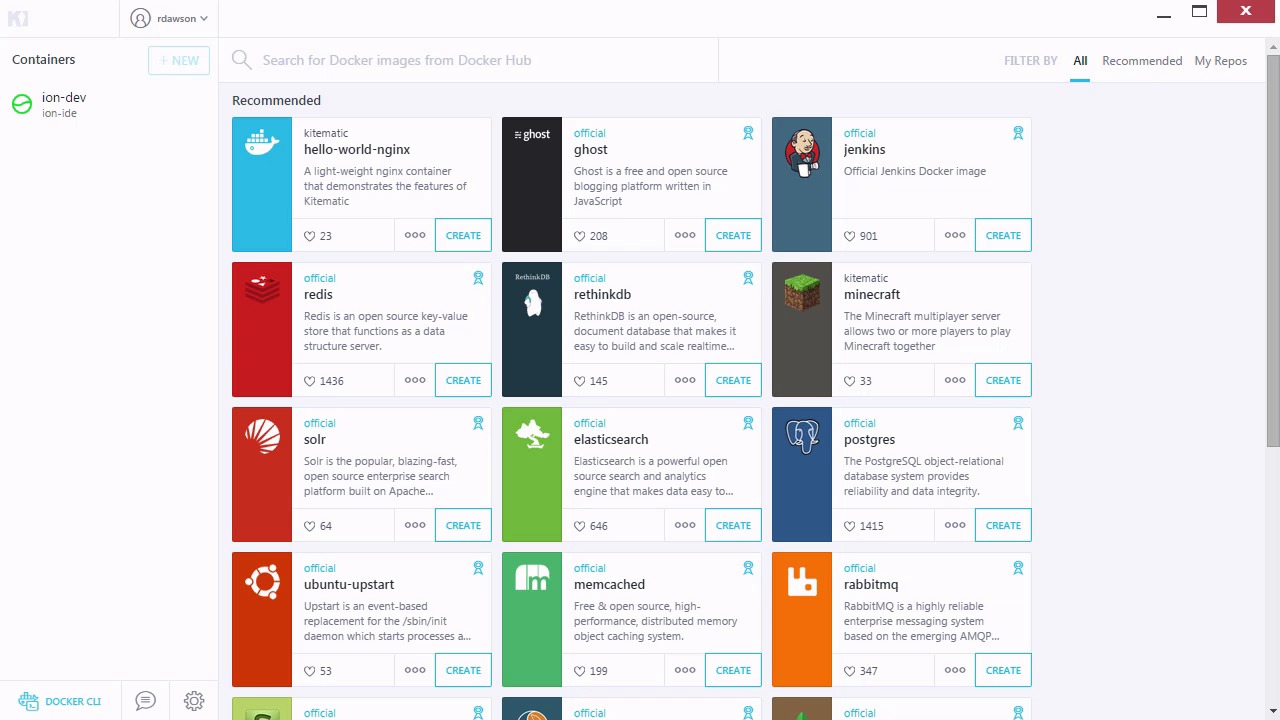
- Overview
- Transcript
4.1 Conclusion
Thanks for following along with this course. Hopefully you have learned enough that you can go out and start using Docker for your own development and deployment servers.
I'm Reggie Dawson, and from all of us here at Envato Tuts+, thanks for watching.
1.Introduction
1.1Introduction00:43
2.Starting With Docker
2.1What Is Docker?03:24
2.2Install Docker04:27
2.3Find and Run Images07:32
2.4Kitematic Docker GUI04:04
2.5Manage Containers and Images06:40
2.6Container Networking03:33
3.Web Servers With Docker
3.1Installing httpd and NGINX04:05
3.2Installing Ghost and WordPress05:07
3.3Installing Codebox With Ionic05:14
4.Conclusion
4.1Conclusion00:44
4.1 Conclusion
Thanks for viewing the Docker for Deployment course. As you have learned, Docker is a tool that can allow you to create portable environments that are free from having to worry about installing software. You have also learned that getting these environments is a simple as looking on the Docker Hub most of the time. You learned how to modify images for your own use and share them on the Docker Hub. We also learned about Kitematic, which is the GUI-based interface for Docker. Sure, there's a lot more in Docker to learn. We only touched on Docker files, which are really the key to truly customizing an image. There's definitely more to Docker that we could touch on but with the foundation of what we have learned in this course, continuing with Docker should not be a problem. Thanks again for watching this course. I hope you enjoyed it and learned something that you can use in the future.


