
 Lessons: 20Length: 2.5 hours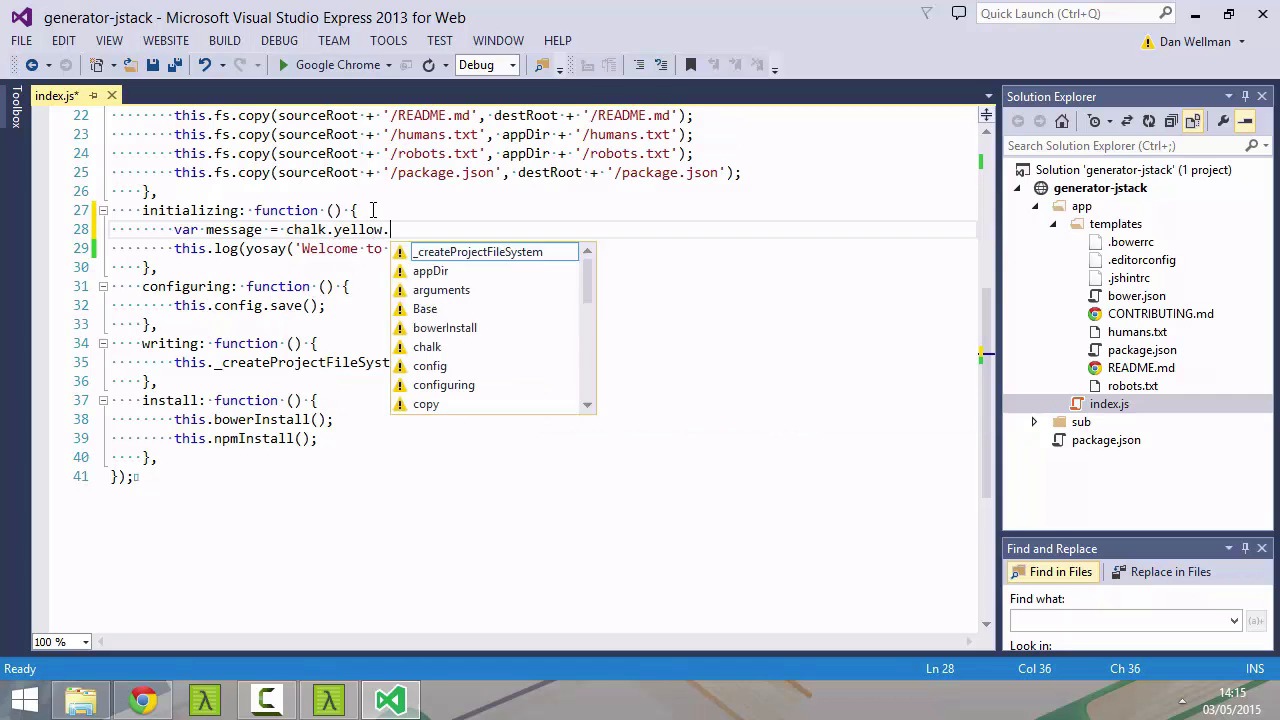
- Overview
- Transcript
4.1 Greeting the User
When running other generators we’ll usually see an awesome little introduction which has an ASCII art rendering of the Yeoman logo. Having a standard greeting for our own generator meets the users’ expectations and makes our generator feel like part of the ecosystem. Let’s see how to add one!
Related Links
1.Introduction
1.1Introduction02:28
1.1
Introduction
02:28
1.2Setup05:05
1.2
Setup
05:05
1.3The Stack This Generator Will Create02:36
1.3
The Stack This Generator Will Create
02:36
2.Yeoman Basics
2.1Yo06:22
2.1
Yo
06:22
2.2Grunt07:28
2.2
Grunt
07:28
2.3Bower06:16
2.3
Bower
06:16
3.Creating a Basic Generator
3.1Creating the Node.js Module04:39
3.1
Creating the Node.js Module
04:39
3.2Extending the Base Generator06:22
3.2
Extending the Base Generator
06:22
3.3Working With Directories Inside a Generator05:46
3.3
Working With Directories Inside a Generator
05:46
3.4Working With Files Inside a Generator12:39
3.4
Working With Files Inside a Generator
12:39
3.5Installing Dependencies08:34
3.5
Installing Dependencies
08:34
3.6Understanding the Run Loop08:05
3.6
Understanding the Run Loop
08:05
4.User Interaction
4.1Greeting the User06:18
4.1
Greeting the User
06:18
4.2Prompting the User09:43
4.2
Prompting the User
09:43
4.3Templating07:46
4.3
Templating
07:46
4.4Options and Arguments15:35
4.4
Options and Arguments
15:35
5.Advanced Generator Concepts
5.1Working With the Gruntfile11:11
5.1
Working With the Gruntfile
11:11
5.2Composing Existing Generators08:08
5.2
Composing Existing Generators
08:08
5.3Wiring Everything Up10:30
5.3
Wiring Everything Up
10:30
6.Conclusion
6.1Conclusion02:10
6.1
Conclusion
02:10


