
 Lessons: 11Length: 1.3 hours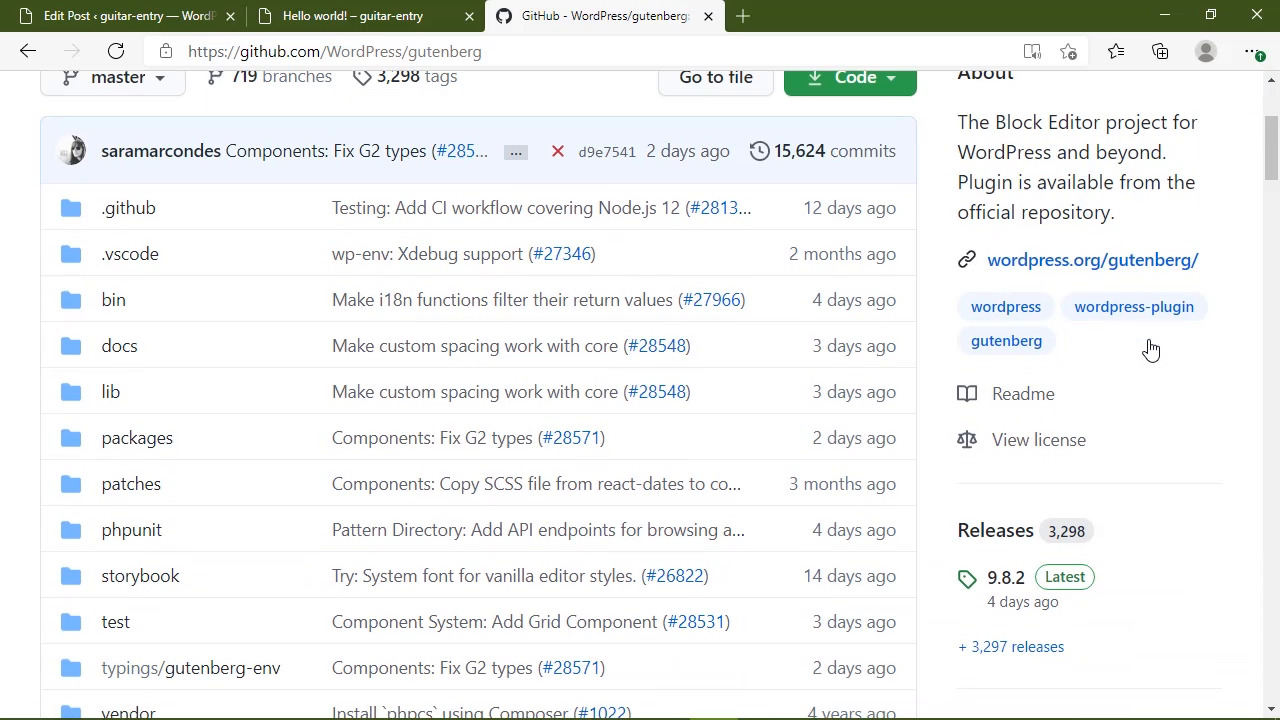
- Overview
- Transcript
4.1 Conclusion
I think Gutenberg has created an excellent way of editing content on the web. It works well on different screen sizes, and it provides end users with a richer editing experience. And now, you have the tools and understanding to extend Gutenberg's capabilities by creating cool new blocks.
My name is Jeremy McPeak, and from all of us here at Envato Tuts+, thank you for watching!
1.Introduction
1.1Introduction01:48
2.Block Fundamentals
2.1Setting Up Your Environment07:46
2.2Touring the Block's Code08:41
2.3Using Built-in Components07:33
2.4Storing Data With Attributes06:33
2.5Storing More Data06:53
2.6Using the RichText Component07:53
2.7Updating the Look and Feel08:46
3.Adding Features
3.1Adding Features to the Inspector10:17
3.2Diving Deeper Into Attributes09:20
4.Conclusion
4.1Conclusion00:57
4.1 Conclusion
I think Gutenberg is a fresh new take on editing content on the web. It works well on different screen sizes and it provides end users with a richer and more immersive editing experience. And now you have the tools and understanding to create cool new blocks in this brave new world. Now let me say this, the best source of documentation is the Gutenberg GitHub repository. I spent much more time there learning about Gutenberg blocks than I did reading the official documentation. I've also found many instances where the official documentation, was not updated for the latest version of Gutenberg. So if you plan on spending a lot of time writing blocks, you'll probably want to either clone the repo or bookmark the URL. Thank you so much for watching this course. Please feel free to contact me through Twitter or the Tuts plus forums if you have any questions. From all of us here Tuts plus, thank you and I will see you next time.


